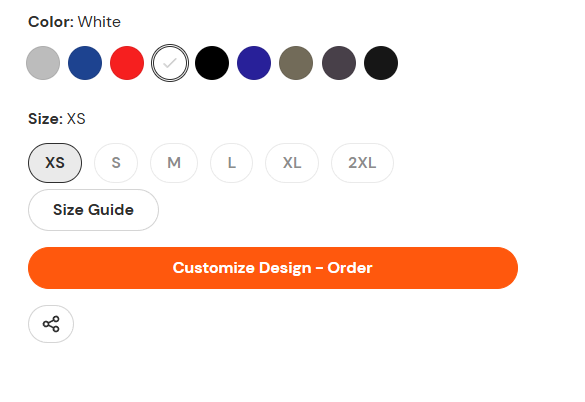
A user seeks to reduce the vertical gap between a size selector dropdown and a “Size Guide” popup link on their product page.
Solutions Provided:
Two community members offered CSS code snippets to adjust the spacing:
Moeed’s approach: Add custom CSS to the theme.liquid file, placing code above the </body> tag
Mustafa_Ali’s approach: Insert CSS under the <style> tag before the body section in theme.liquid
Both solutions involve editing the theme code directly through the Shopify admin (Online Store → Themes → Edit Code).
Follow-up Request:
The original poster accepted a solution but then asked how to increase the space at the bottom of the size guide popup icon, indicating they may need the opposite adjustment or additional spacing control.
Status: Partially resolved - initial gap reduction addressed, but a new spacing question remains open.
Summarized with AI on October 30.
AI used: claude-sonnet-4-5-20250929.
Go to online store ----> themes ----> go to three Dots ----> edit code ---->find theme.liquid files ----> place the code ---->
under the tag before the body ----->
if this code work please do not forget to like and mark it solution