Hello,
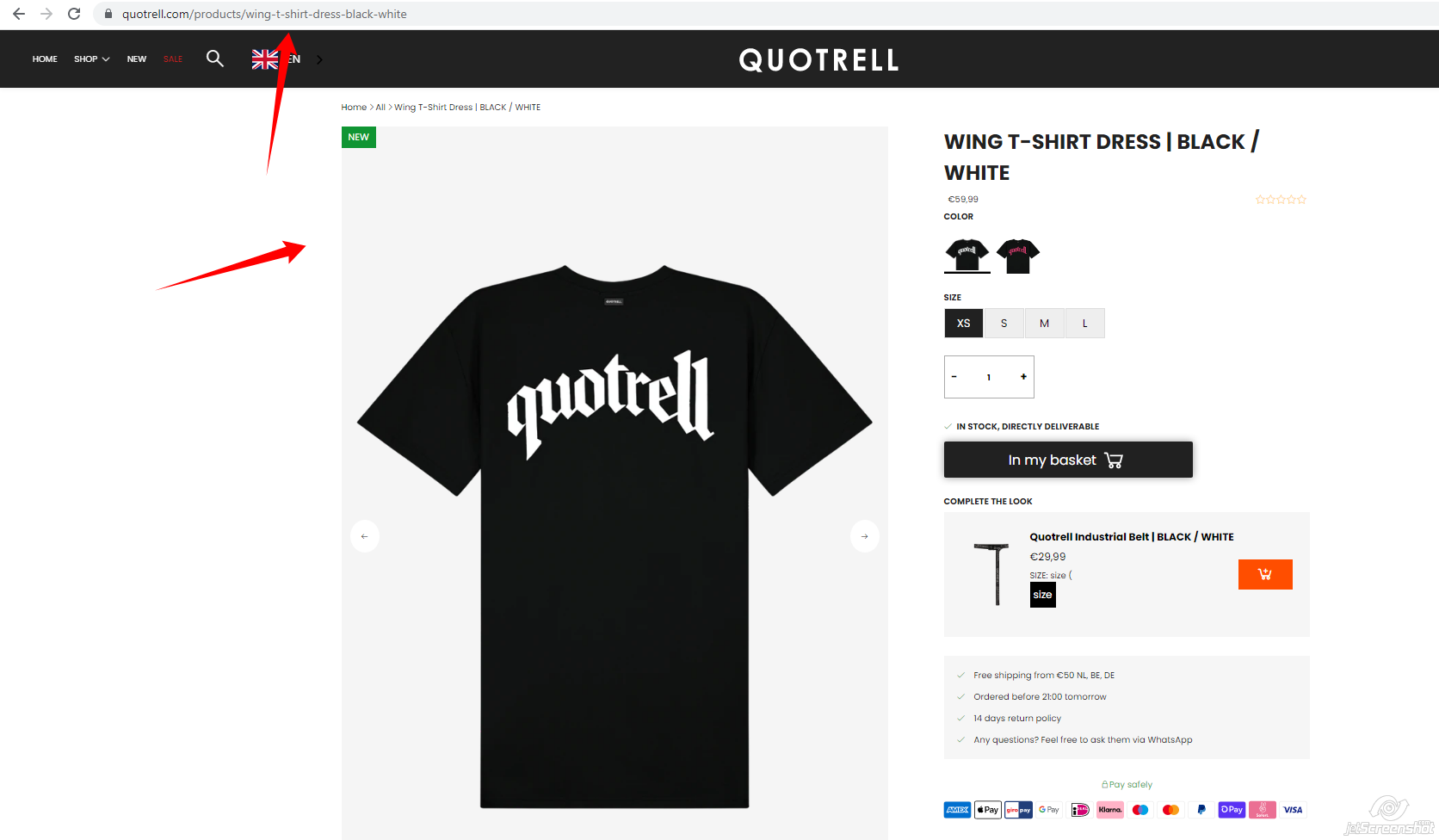
Could someone help where I can change the background of all my products with a code? In a custom theme
This is aan example
Greetings
Hello,
Could someone help where I can change the background of all my products with a code? In a custom theme
This is aan example
Greetings
@Storum ,
Welcome to the Shopify Community!
Please share your store URL WITH SCREENSHOT, so that I can check your issue and will back to you with a proper solution.
Have a Good Day!..
Hi,
Thanks for taking the time to help us out.
This is how our current website looks at the collection page https://quotrell.com/collections/new
Here is an example of the look we would like to achieve
https://gyazo.com/37ebf63c03c861b2d78964462224b283
Many thanks in advance.
.boost-supporter-wrapper {
    background: #f5f5f5;
}
Add this css at the bottom of Online Store->Theme->Edit code->Assets->custom.scss.liquid
Thank you very much, it works great.
Now when you hover over the product there is a grey bar when the model appears on top because of the ratio difference, is there a fix for this?
We also noticed that it doesn’t appear on our home page yet, the product background there is still transparant, is there a fix for this?
–
Productpage:
https://gyazo.com/f654ac72b022660ca59a3904c0370956
Homepage:
https://gyazo.com/e44c48c7b4bd5ad98e3c0b203a6cbb32
Many thanks in advance!
@Storum ,
.product__item--image {
    background:  #f5f5f5;
}
.product-image--container img {
    background:  #f5f5f5;
}
@Storum ,
.boost-pfs-filter-wrapper img {
    margin: 0;
}
Thanks! All this in the custom.scss.liquid?
@Storum ,
For all css
Add this css at the bottom of Online Store->Theme->Edit code->Assets->theme.scss.liquid
Hi,
We still have the problem only on the product page.
https://gyazo.com/f654ac72b022660ca59a3904c0370956
You can see that little grey.
On the home page it works! Thanks
@Storum ,
I did not see on product page.
Use this css for collection pages
.boost-supporter-wrapper img {
    margin: 0;
}
Add this css at the bottom of Online Store->Theme->Edit code->Assets->custom.scss.liquid
Hi,
Thanks for helping us again 
Yes on the product page it is good but on the collection it do not work.
I tried the code but it change nothing 
@Storum ,
.boost-pfs-filter-product-item-image img {
    margin: 0;
}
Add this css at the bottom of Online Store->Theme->Edit code->Assets->boost-pfs-custom.scss.liquid
Hi,
Yes its works thanks for helping us!
Have a great day!