how to change search icon to this search bar.
Main issue: replace the current search icon in the header with a full search bar in a Shopify theme.
Context: The requester shared a store preview URL and an image of the desired search bar style. A helper noted the relevant theme file (sections/header.liquid) where the search element is added/controlled.
Current guidance: The helper suggested updating the search icon symbol in sections/header.liquid. This addresses changing the icon, not converting it into a full input field.
Clarification: The requester explicitly does not want an icon; they want a visible search bar instead. No code or step-by-step implementation for replacing the icon with a search input was provided.
Status: Unresolved/ongoing. Key next step is guidance on implementing a search form (input field) in sections/header.liquid to replace the icon trigger.
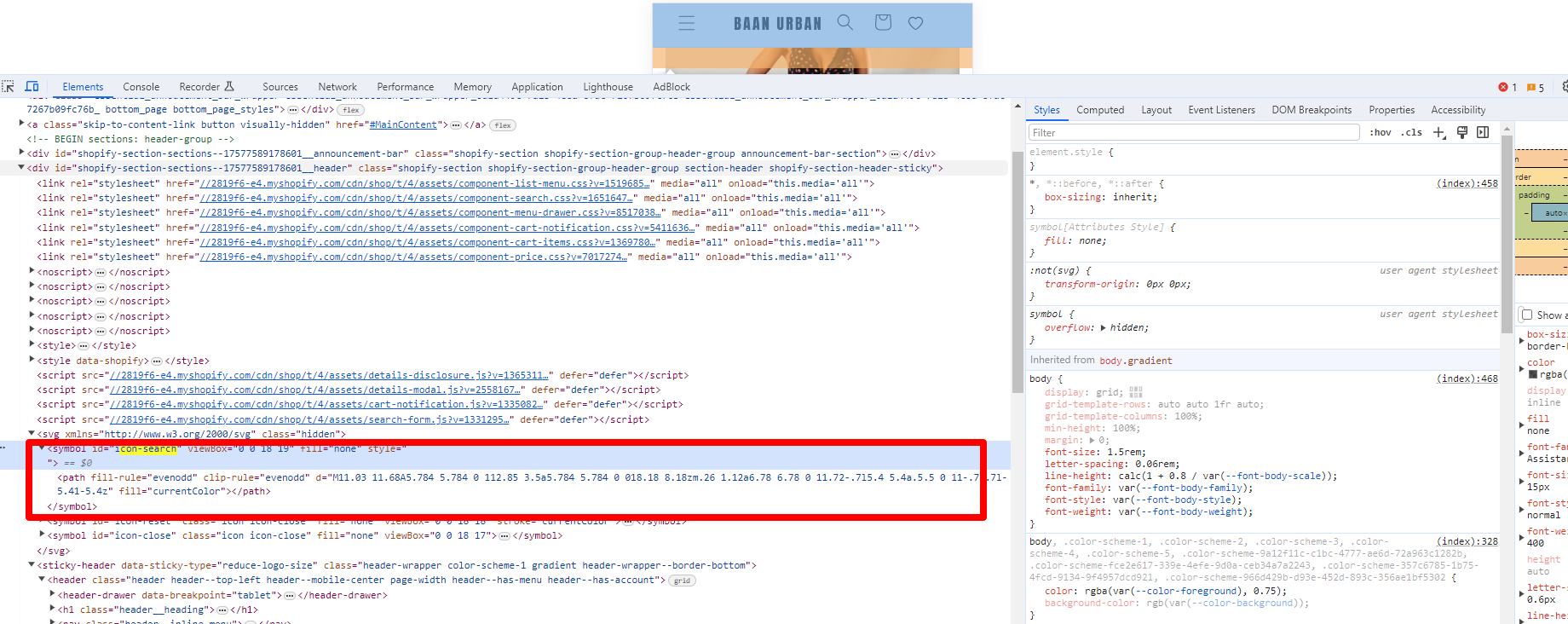
Artifacts: Two screenshots were shared (one showing the desired search bar, one showing the header.liquid context). The store URL was provided for reference.
Hi @Harshal54
I saw it added to sections/header.liquid. You can update that symbol other for icon search.
i dont need icon but search bar