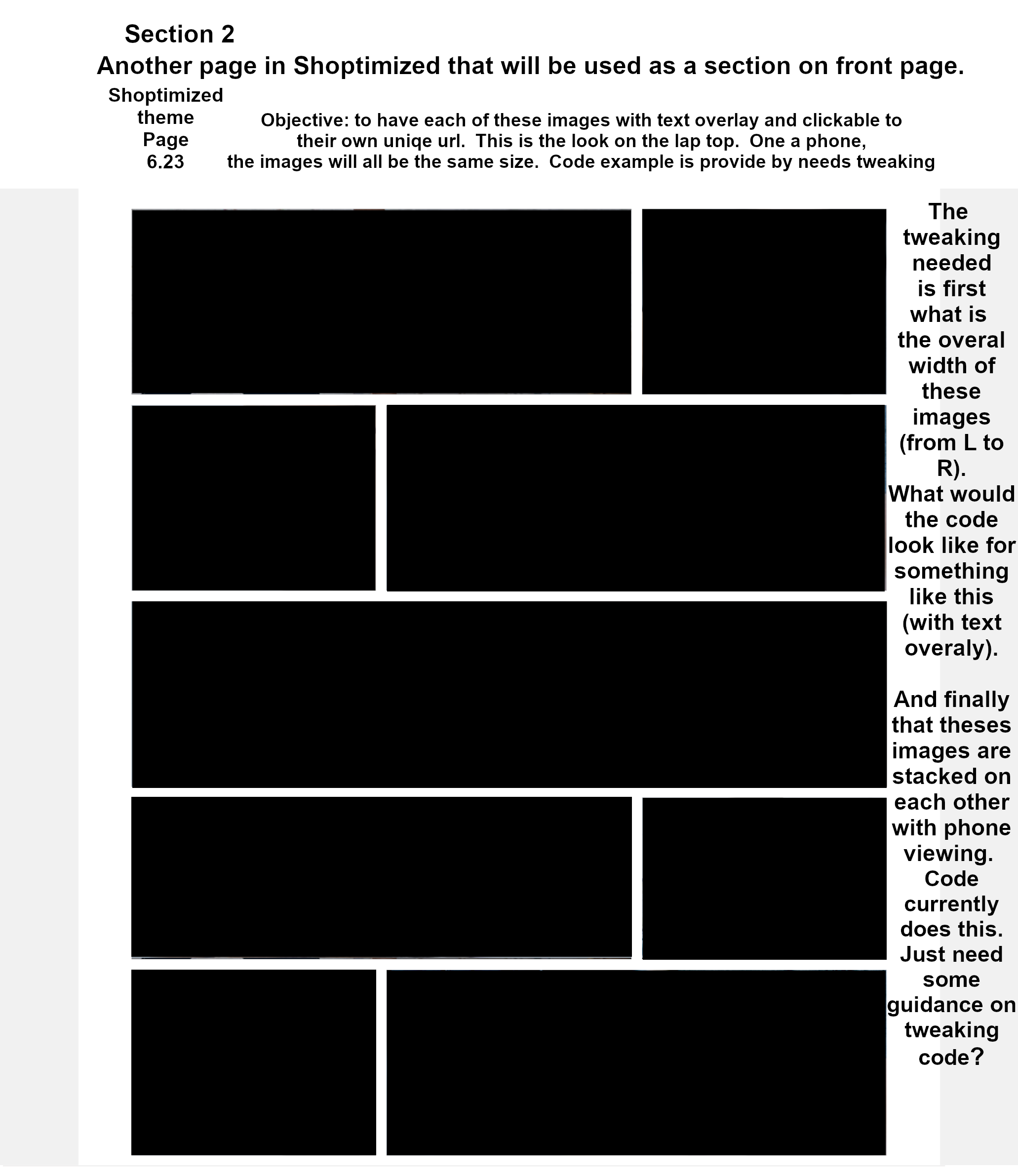
Hello all!
I am doing some custom work on my front page. I am creating a page that will be inserted as a section. That is not my question though.
My question itself is about creating the page itself. Of course, I want it to be responsive. I am using the editor in the latest version of Shoptimized.
So first I need to figure out the recommended width for one image. Shoptimzed says the slider should be 1600 for width.
But what should the width of the images underneath the slider be? It’s a bit of a guessing game.
I know the marketing images are 540. So 540 X 2 is only 1080 with space in between. Does anyone know what the width of one single image should be? Remember this is not the slider that bleeds into the left and right sides, so it is not 1600, has to be less. But I want it to match the width of other sections.
So this image will be cut down the middle. It will be in table, I don’t want any space in between the image because it will appear to be one image on a laptop. I need it responsive for phones so the right image will shift under the left image when viewing on a phone. Similar to what the marketing section images do.
So three questions:
-
How wide should the one image be (remember I will split this in half down the middle)?
-
And what sort of info should I put in my table (using the Shopify editor) so I can have one table with two columns, one containing the left side of the image, and the other containing the right side? And when a phone is used, the right image will go underneath the left?
-
Is there a better way to do this without editing back end code?
Code examples are appreciated. Thank you in advance.