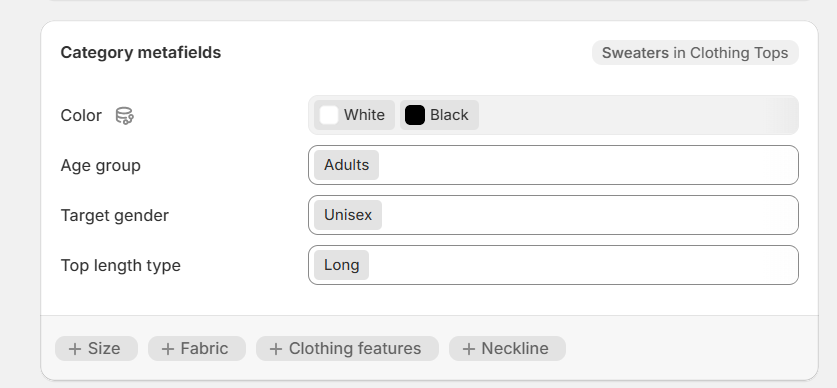
Hi,
Just created a new field that I’m trying to add to a product but don’t see it and I’m not able to expand view to see all available fields. What am I doing wrong?
Issue: A new product metafield isn’t appearing under the product, and the user can’t expand to “Show All” fields.
Context: Metafields are custom data fields for products; defining them doesn’t automatically display them on the product page or in theme sections.
Guidance provided:
Notes:
Status: No confirmation from the original poster yet; resolution unconfirmed and the “Show All” UI concern remains potentially open.
Hi,
Just created a new field that I’m trying to add to a product but don’t see it and I’m not able to expand view to see all available fields. What am I doing wrong?
To display your new metafield on product pages:
1-Assign the metafield to products:
2-Add the metafield to your theme:
This process should make your metafield visible on the product page.
If you have other questions, I will also answer them.
Best regards,
Daisy