Hello
I would like to know if there’s a solution for the possibility of placing an internal link behind a variant.
For example. I have a product page for Body Wash which has two scents
No.12 Objets d’Amsterdam
No.10 Rock Roses
I’m curious if, upon selecting the Rock Roses variant, it would be possible to navigate to a different product page while still displaying the Objets d’Amsterdam variant option. Please take a look at the following website.
https://marie-stella-maris.com/products/body-wash-rock-roses-300-ml
Here you can see that the variants are clickable. How can I set up it like this way?
Hopefully you can help me out!
In your example those are not variants, but separate products. Several themes allow to combine them like this, so that on each product page it shows links to other products from this “group”. (example – documentation for Prestige theme https://prestige-theme.helpscoutdocs.com/article/426-product-variations-linked-products )
If you’re talking about actual variants of the same product, then
https://theme-dawn-demo.myshopify.com/products/helix-denim?variant=39577013223513 links to “multicolor” variant andhttps://theme-dawn-demo.myshopify.com/products/helix-denim?variant=39577013256281 links to “denim”
Most themes should support this ?variant=variantID URL parameter.
Dear Tim,
Thank you for your quick response.
Good to know, then I mean the seperate products ‘variant’. How to set this up? I installed Palo Alto as theme.
EBOOST
June 17, 2024, 7:17am
4
It’s beyond baseline Shopify requirements to themes, so Palo Alto may not have it. Look around https://palo-alto.presidiocreative.com/products/palo-alto-product-pages to know more.
If I am not mistaken, some Apps allow adding this functionality, or try following @EBOOST solution if comfortable.
Great! That exactly what I was looking for.
Do you think I can do this on my own? Or do I need developer for this?
I’ve already followed the steps which mentioned in the shared link.
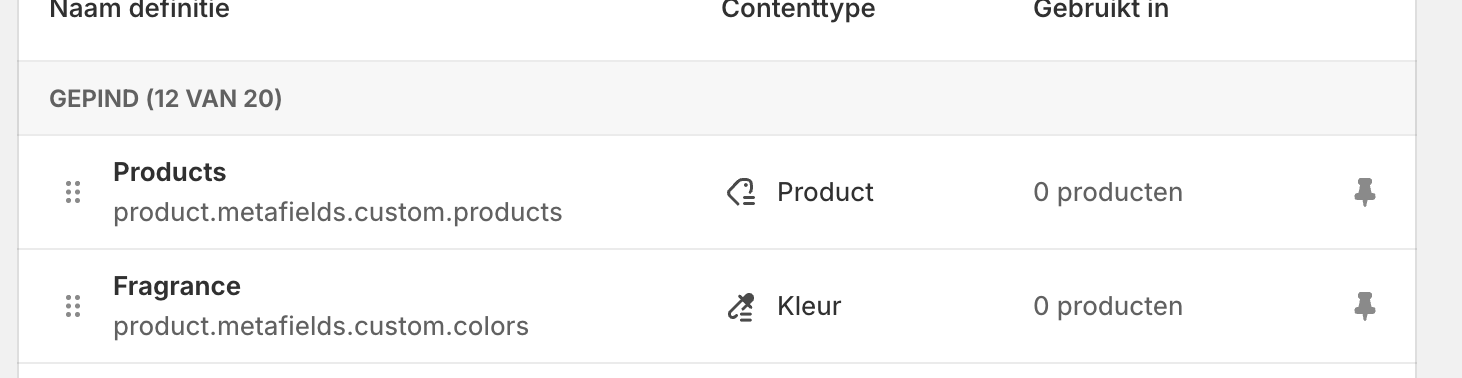
Created the metafields (color = fragrance) and products.
Add the code to product.liquid. Unfortunately don’t see any changes. Could you take a look at my shop? If necessary I can give you access
EBOOST
June 17, 2024, 7:51am
7
Hi,
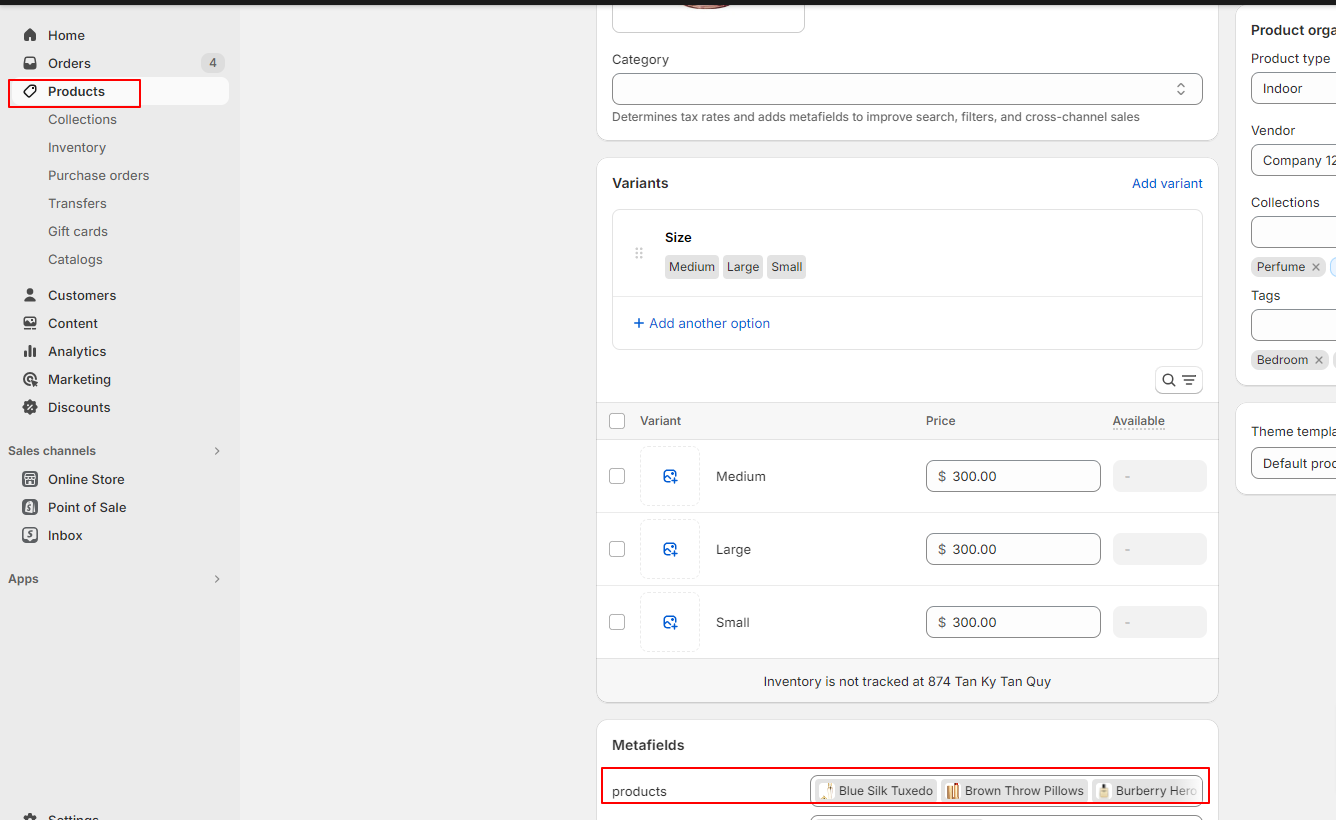
You need go to each product to add products to metafield.
If you can’t setup. You can invite me to access your store. I will help to check for you.
I send you an invite (eboost10@gmail.com )
EBOOST
June 17, 2024, 8:07am
9
Hi,
Could you share your store url? I will sent a resquest to you to access store.
EBOOST
June 17, 2024, 8:42am
11
Amazing work! Thank you for helping out.
Now I’m wondering how to style this. For example (background color of fragance and text white)
EBOOST
June 17, 2024, 9:23am
13
Hi,
I helped to adjust color to white and add a margin.
If you want to change other color then you can go to snippets/product.liquid to change other color
You are the best!
Is it also possible to add a metafield with variant type “Fragrance” and the selected “Fragrance” is unlined?
For example
Amazing work! Is this also possible with different sizes for the scents?
EBOOST
June 19, 2024, 9:54pm
17
Hi,
Yes. It is possible. You only need to implement the same.