Hello,
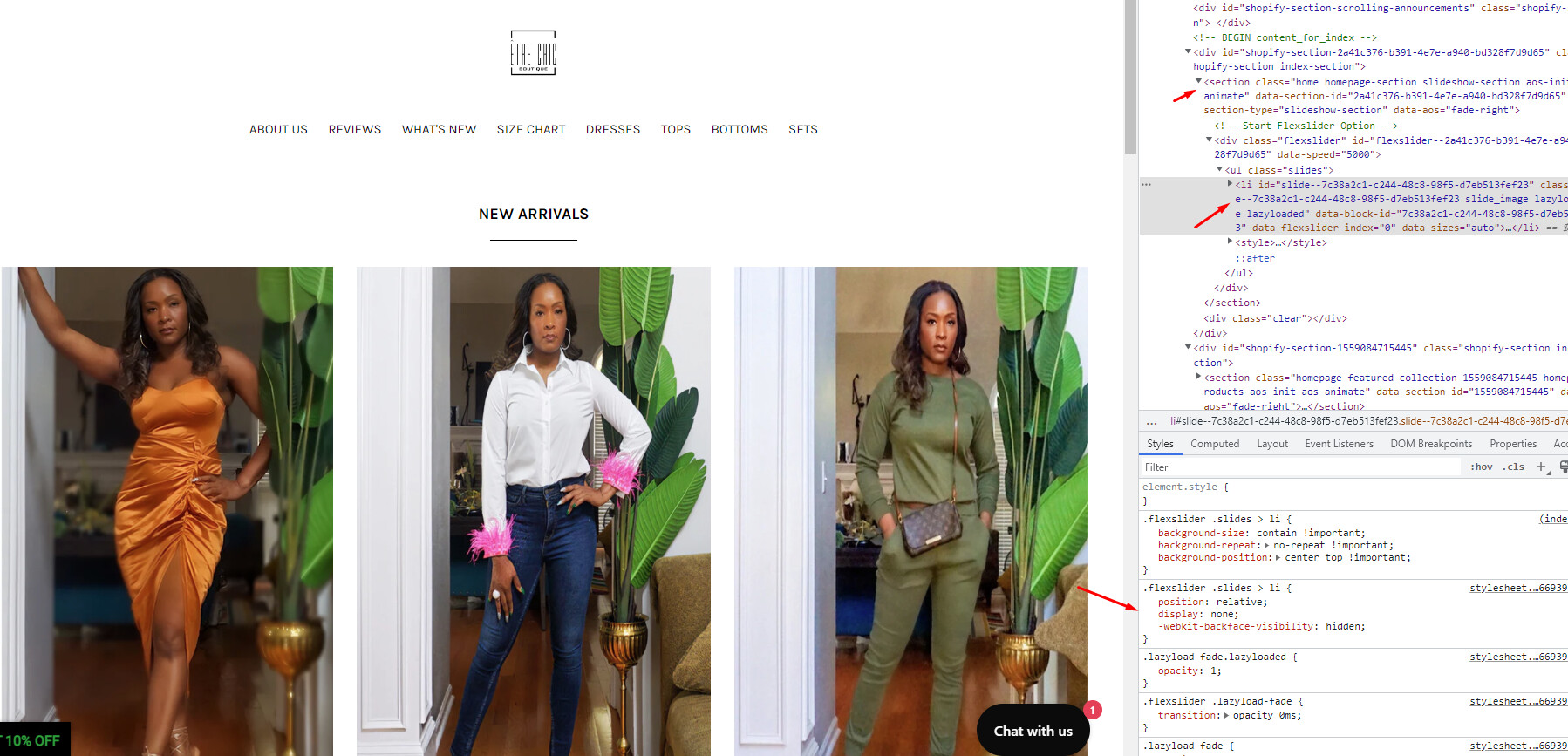
I checked my website today and my slideshow is missing. It was there yesterday. I did not make any changes to cause it to disappear. I deleted the slideshow and readded it, in hopes that it would trigger it’s reappearance. Also, my dropdown menu isn’t working on the mobile view. This was working the other day as well. www.etrechicboutique.com.
I am having the exact same issue with the same theme. It’s functioned for 3+ years but today the home page slideshow is missing, and the drop down menu’s aren’t working.
Hello @etrechicbtq
Your slideshow is display: none from the theme code
You can follow these steps:
- Go to Online Store->Theme->Edit code
- Open your theme.liquid file, paste the below code before
I hope the above is useful to you.
Kind & Best regards,
GemPages Support Team
Hello,
I’m not sure how it disappeared but your suggestion worked.
Thank you!
Hi there,
Im having this issue. I copied edited the code just now as you suggested, but it is still not showing. can you please help?