Hi all,
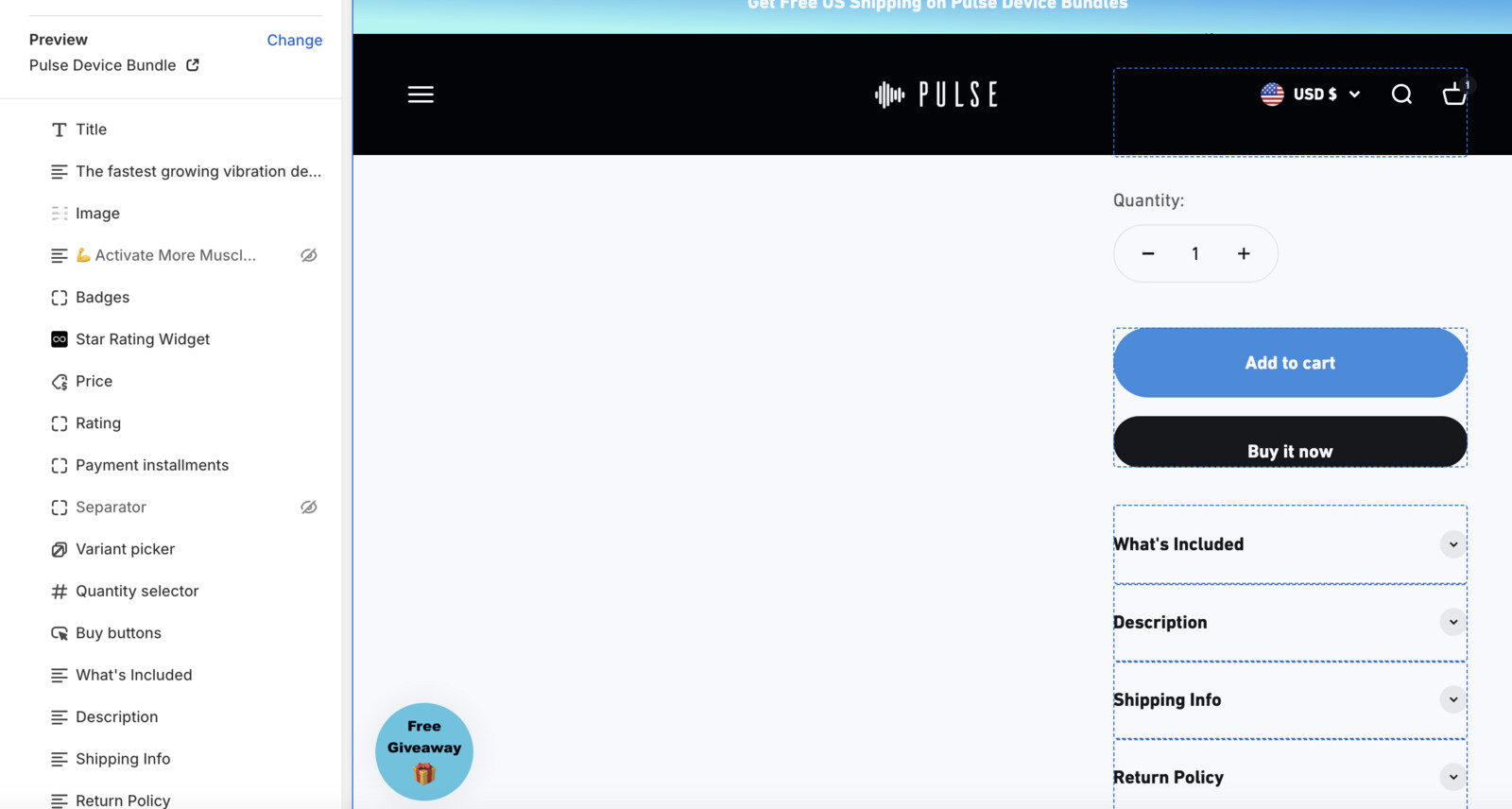
I’m using Impact theme and my website is pulsedevice.com and I’m having a very strange problem where my Buy Now button is being completely replaced by a Buy with Shop Pay button. For some context, I was using an app called Upsell Koala to have a quantity break for larger volume purchases. I disabled the plugin in the app embeds and deactivated that offering entirely, and now my Buy Now button is completely gone. I’ve tried disabling the dynamic checkout option in the attached screenshot but even when that isn’t selected my website only shows the Buy with Shop Pay option even though within my theme editor the Buy Now button is there. Please help! Thanks in advance.
Hi @epoll24
You will have to disable the shop pay button through settings
Then buy now will be shown, if it still does not happen then you will have to enable the daily checkout button through customization, but finally you will have to enable the shop pay button through settings.
these are the steps to follow
Go to Online store ----> click on settings-----> then you will see payments ----> click on it and there you will see shopay button , just click on the check box for disable that button, your shopay button will remove and buy now button will appear
Thanks,
I tried this before but then instead of shop pay it’s just a pay with Google Pay button. Is there a way just to make it a plain Buy Now button?
Hi @epoll24
Please send a screen shot of Payments section.
you want both Buy Now button and add to cart, or just add to cart button.