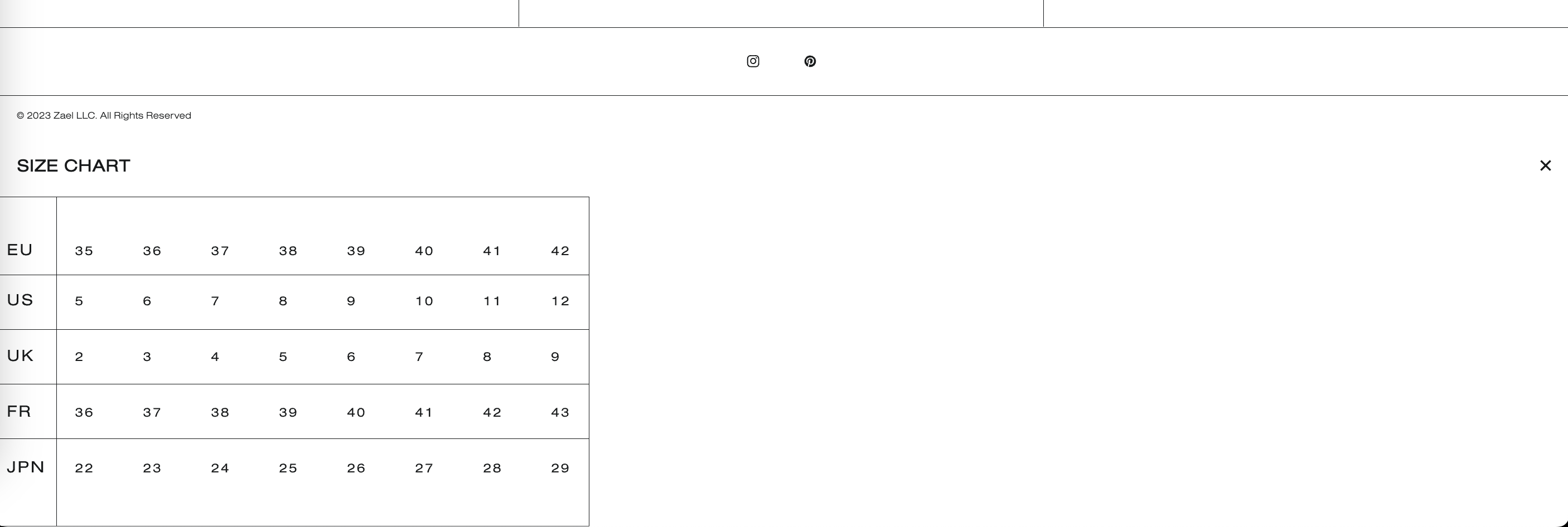
Hello, I have a size chart on my product pages. It is supposed to open up as a simple pop up
But for some reason, my size chart is stuck at the bottom of my website and freezes. I can’t exit out of it at all, I have no idea as to what has happened. I haven’t customized the size chart with any css, and just need someone to point me in the right direction as far as fixing this issue.
Example of what is happening
https://2d26b3.myshopify.com/products/sample-product
PW: reishi
Hi @JhordanMSUITE ,
I can’t find the Size Chart on your product page. Looks like you’ve hidden it. I looked at the picture you sent and the problem may be caused by css. To check this issue, you need to turn on Size Chart so you can check.
Hello, I have made the size chart visible. Hopefully you are available to check this out for me once again. Thank you for your time
I have checked and this error does not come from CSS, this error is due to an error in your theme’s javascript event processing, which causes when clicking on the “x” sign to not close the Size chart. You can contact the theme’s support to recheck this error event.
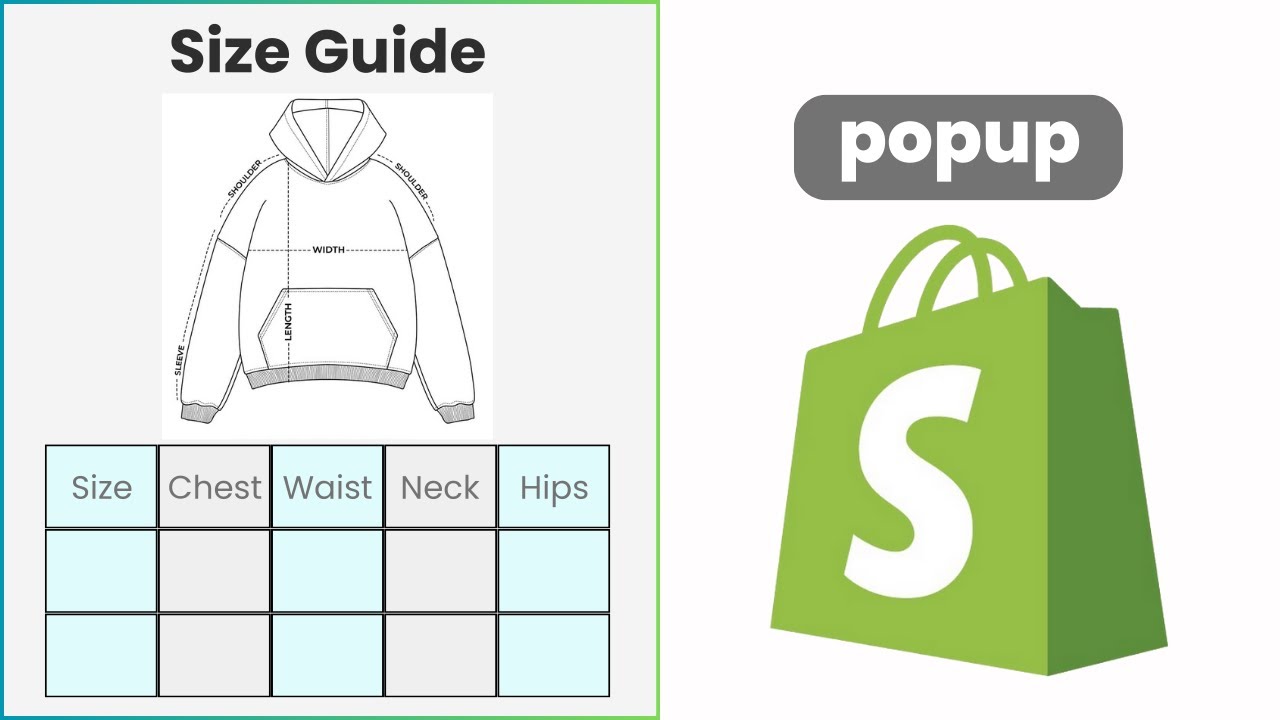
Here is the solution to add size chart to products: