Hi everyone,
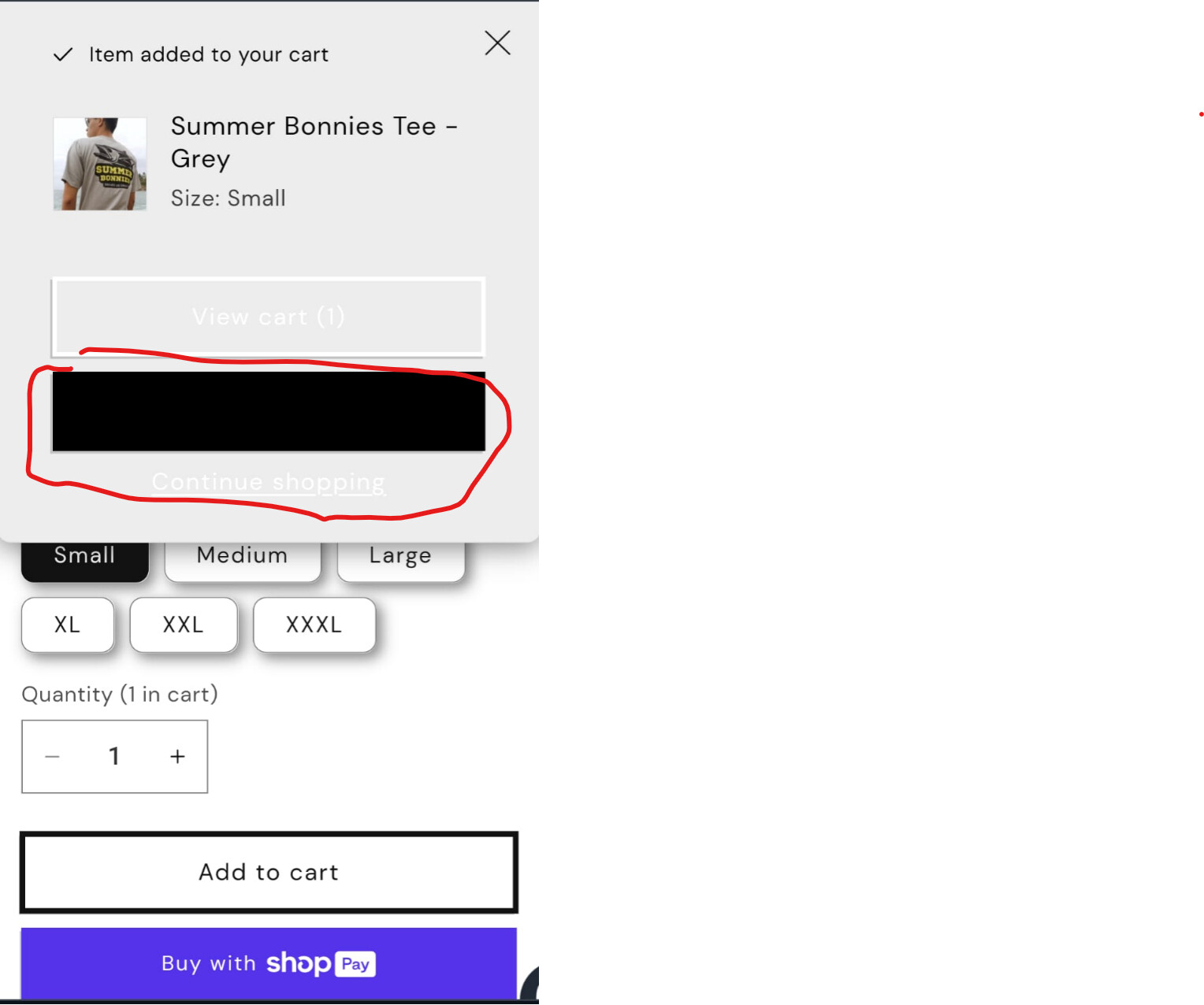
After the addition of a product I go to the cart page and get two empty buttons showing no text.
any help would be appreciated it
Users are experiencing missing button text on their Shopify cart pages.
Main Issue:
Identified Cause:
Proposed Solution:
cart.liquid theme fileStatus: The issue has been diagnosed with a technical solution provided, but no confirmation yet on whether the fix has been successfully implemented.
Hi everyone,
After the addition of a product I go to the cart page and get two empty buttons showing no text.
any help would be appreciated it
Hello @DiegoEspinoza
You can see in screenshot the value is blank thats why it is not showing the text on button.
you need to edit cart.liquid file of your theme and find the red box classes as showing in screenshot and then add the value inside it.