Warning to manually set shipping information instead of automatically importing from Shopify.
delivery zone setting is done.
Also many conditions.
google channel Setting page: image Korean means ,
target Country : USA , language : English
Delivery Setting : automatic sync
products open on google channel.
In google merchant Center
If shipping settings are manually configured, the warning no longer appears and approval is granted. However, I do not want to perform separate tasks. Double setting increases the likelihood of errors and is inefficient, and editing information in Google’s shipping information screen is too inconvenient. I must use Shopify’s automatic integration for shipping information.
If you are submitting shipping settings via an app, and Google says it’s missing, this usually means the currency did not match between what the app sent and what your data feed targeting is.
As you said you are targeting US, then the shipping settings should be USD. Not sure if you checked what currency was used prior to changing it.
Hello
Thanks for reply!
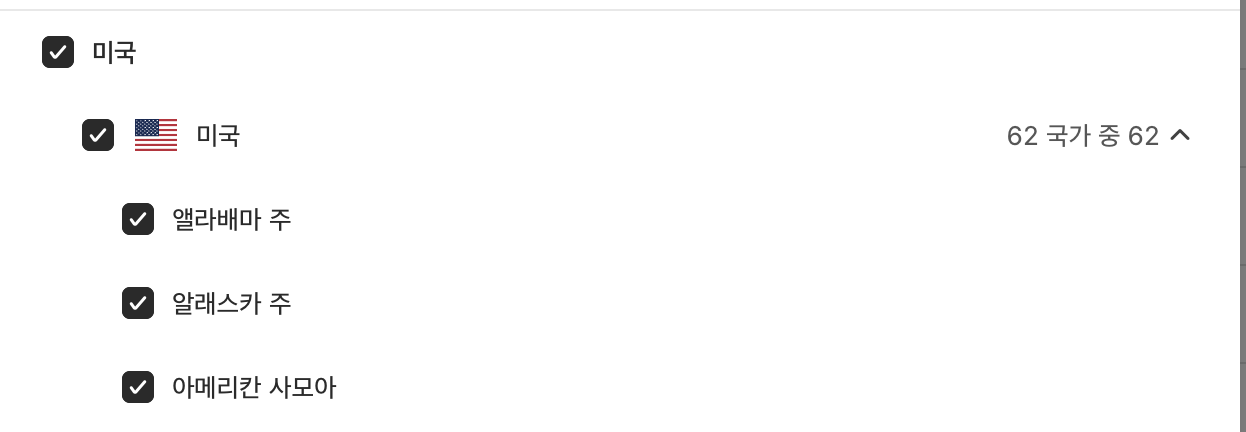
You mean delivery setting is on market menu like image?

When I click the menu and click the USA > Delivery , then the currency is also USD
Am I miss something? or is there any other setting menu somewhere?
Finding ‘App delivery profile’ setting menu , but can not find.
our other store has it like image 1. but issue store have not.
also found community but I can’t.
Can you help me more?
I found more.
It related with app (of course) of my store.
When I make app then the delivery profile may show like image 1
So I made 2 apps but don’t same image1 .
like image 3 I made apps and include all permissions.
Still not same image 1. App created but do not show on top of ‘settings/apps?tab=installed’ page.
Also the apps Installed.
image 2
image 1
I don’t know about other apps, sorry.
Regarding the shipping settings, if the shipping option currency is the same as the price currency in the feed, then you should not have an issue. If you do have an issue, then it is most likely related to something else, which is hard to figure out based on the info shared.
I recommend digging deeper checking and re-checking.
A “App Delivery Profile” is added to the delivery channel of the store that works well with the Google Seller Center, and the store that does not work does not have this profile.
I would like to ask how I can add an “app shipping profile”.
Please tell me how to add the red part. Thank you.
If it’s not already in Google Merchant Center, then I guess it’s not a default shopify shipping option, in this case you need to manually add it using the guide: https://support.google.com/merchants/answer/6069284?hl=en
Make sure to disable automatic shipping settings in your Google and youtube app to avoid your manual shipping settings from being removed.
digging deeper..yes we need!
Google merchant always shows ‘missing delivery profile’
Our store has few stores in same account and 1st store works well with google merchant center, but this 2nd store did not.
After followed 1st store setting , we found the “app delivery profile” doesn’t show on 2nd store , As Google mentioned every time.
Now we focused to find way for “app delivery profile” shows.