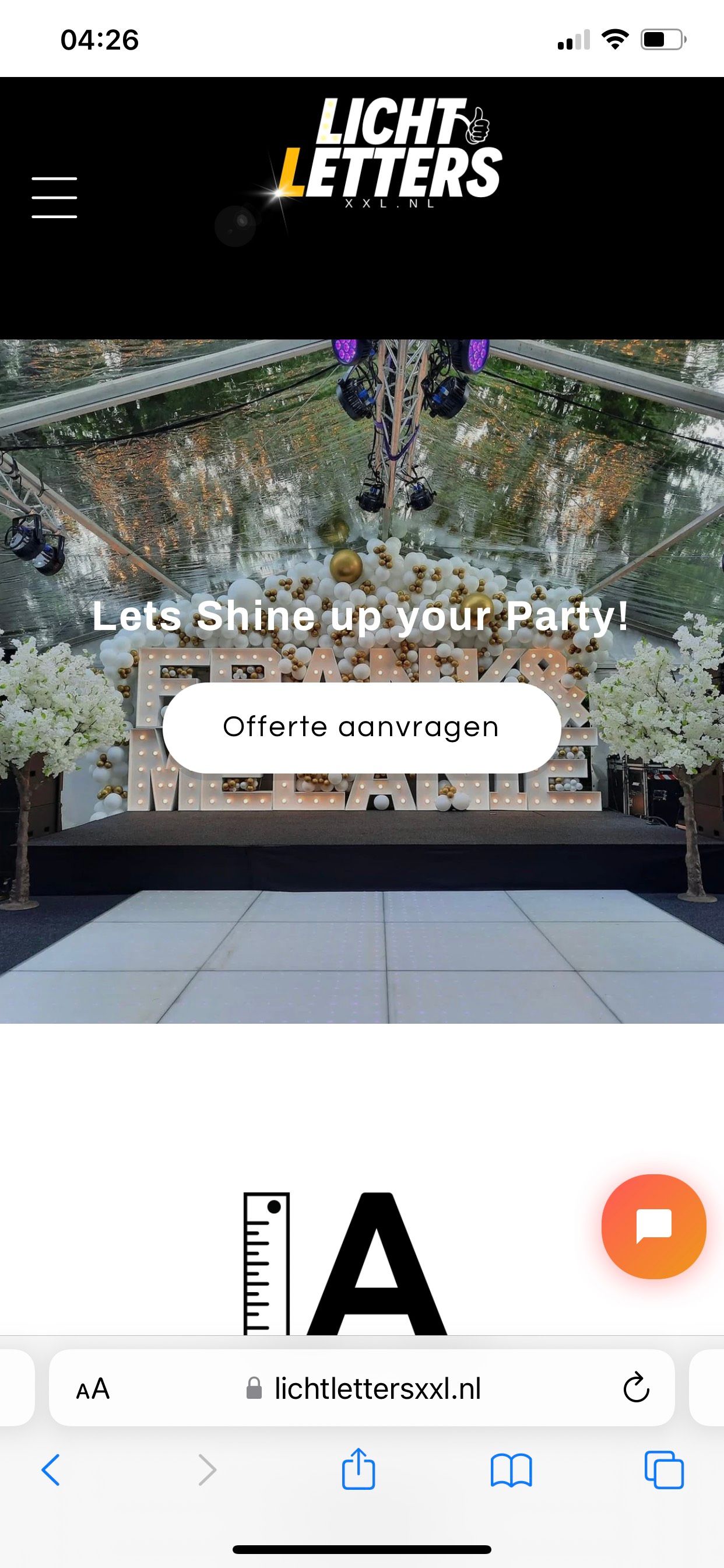
I think i did something wrong, my hamburger menu icon is way to big now, and i dont know how i did it.
Can an expert help me out?
[email removed]
I think i did something wrong, my hamburger menu icon is way to big now, and i dont know how i did it.
Can an expert help me out?
[email removed]
Hi @Helpmebud
I’m Richard Nguyen from PageFly- Free Landing Page Builder
You can try with this code.
Follow this:
Go to Online Store->Theme->Edit code->base.css->paste bellow code in bottom of file
.header__icon–menu .icon {
height: 24px !important;
width: 24px !important;
}
.header__heading-logo {
max-width: 150px !important;
}
If you feel my answer is helpful, like it or mark it as a solution. Let me know if you have any questions.
Best regards,
Richard | PageFly
Thank you so much!
Hi @Helpmebud
You can use this code to make the header look smaller.
.header-wrapper.color-inverse.gradient{
height: 190px !important;
margin-top: -40px !important;
}
It will look like this: https://prnt.sc/corWRi5LDT8X
Thank you buddy, the desktop version is perfect. on the mobile version there is still a lot of waste space under the logo, the code did only help on desktop version.
The black space under the logo on mobile version, how do i get rid of it? the desktop version is good now.
Can you try with this code:
@media screen and (max-width: 767px){
.header-wrapper.color-inverse.gradient {
height: 140px !important;
}
}
@media only screen and (max-width: 500px)
svg.icon.icon-hamburger {
top: 70px !important;
}
god bless you
God bless you You too