Is there a way to merge products into one with little effort? For example via an app or via programming?
As an example: I have A phone case in different colors. Each color represents an individually created product on Shopify. However, I would like to merge these products/variants into one product with variants of colors.
Similar question for bundles: for example, I have a pillow, which I sell individually and as a set of 4 pieces and 6 pieces. All are individual products on shopify. One product for normal variant, one product for the set of 2 pieces… However, I would like to bundle them together. Each of the products has a single SKU number. So I would like that the customer clicks on the product and then has the choice between single, set of 2, set of 4, set of 6.
There are several hundred products involved. I can’t handle each product individually. But I can’t also because the products have been imported through an inventory control system / ERP SYSTEM and are linked together.
I would be happy if someone can help me further
Best regards,
Manuel
2 Likes
Hi
This is a common issue for our users where they have bundles set up as single product lines but are made of multiple other SKUs. Or they have multipacks set up as variations but use a master SKU product. There are 3 points to consider:
1. Inventory Management
Our bundleup app lets you connect up products to correct SKUs and we then update their inventory based on the component stock level. So if a component is out of stock it also puts the bundle out of stock.
2. Order Fulfilment
What our app does is update the order post purchase by replacing the order line with the component SKUs. This then lets you send to your ERP for fulfilment with the correct SKUs. It also updates the component SKU stock levels correctly by updating the order.
3. Bulk Set Up
If you are dealing with variations there are a lot to go through and set up so rather than doing them one by one we offer a bulk CSV file upload solution to automate the process and reduce the time it takes to set up. This also lets you update products easier if you ever need to change them.
If you need help in setting up and testing please get in touch. You can also find our guide here.
Regards
Tom
Hi @ManuelWirtz_de
This is Jun from Bundle Kit. You can use a third-party app like ours for this functionality.
You can create a bundle using our app and have multiple variant selections.
Bundle Kit bundles are built on top of normal Shopify products, and Shopify supports up to 3 variant options and 100 variants per product.
To achieve this, create a dummy bundle product first in Shopify. Using our app, convert this into a bundle. We have step-by-step instructions here: https://help.bundlekit.io/creating-a-mix-match-bundle
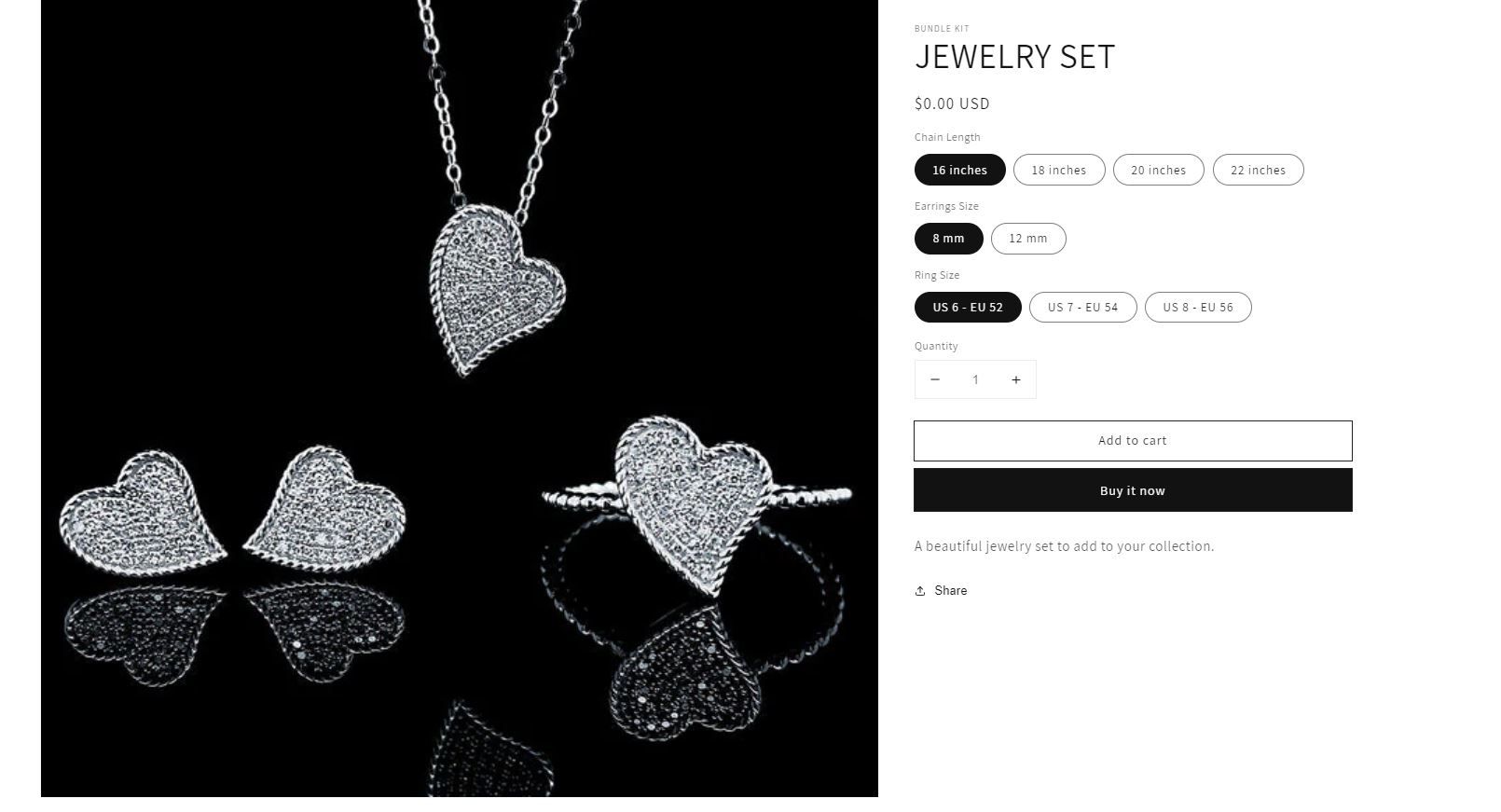
Here’s a sample bundle product we have:
The bundle inventory is automatically set based on the available inventories of the bundle item(s), including the inventories of the variants.
Let us know if you have any questions.
Here’s a way to do it without having to buy an app: https://www.youtube.com/watch?v=0rz_gAVnBwE