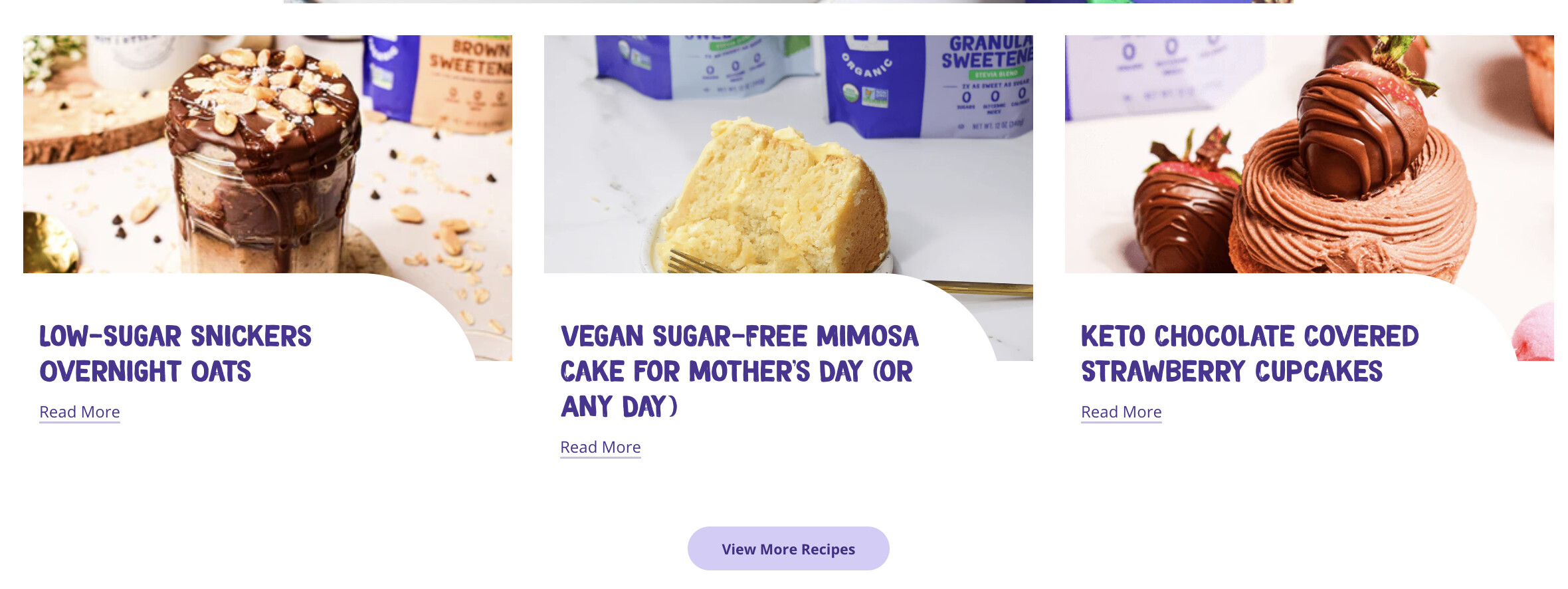
A user needs to customize the “Read More” button text to “View Recipe” for only one of two blogs on their site—specifically the Recipe blog—while keeping the default text for their written articles blog. This change should apply to both the blog landing page and homepage featured sections.
Proposed solutions:
Edit default theme content via Online Store → Themes → Edit Default Theme Content, then search and replace “Read More” text
Modify the section code directly in theme files by searching for “Read More” and replacing it
Key limitation identified: The initial suggestions may not work since they would change the button text globally across both blogs, not just the Recipe blog.
The user has shared their store URL for further assistance. The discussion remains open as a targeted solution for blog-specific customization hasn’t been confirmed yet.
Summarized with AI on October 27.
AI used: claude-sonnet-4-5-20250929.
Hello! I have two blogs on my website- one that is just for written articles and one that is for Recipe posts.
Is there a way to change the “Read More” Button on ONLY the Recipe blog to “View Recipe”? I want to change it on both the Recipe/blog landing page as well as the homepage section with featured recipes.
If anyone knows how to do this please let me know!
As far as I remember, it should be possible from theme customization by just editing the section but just incase if it’s not possible from there then all you have to do is just edit the code of that section in your theme files and just simply search “Read More” and replace it with “View Recipe” and that should do the job for you!