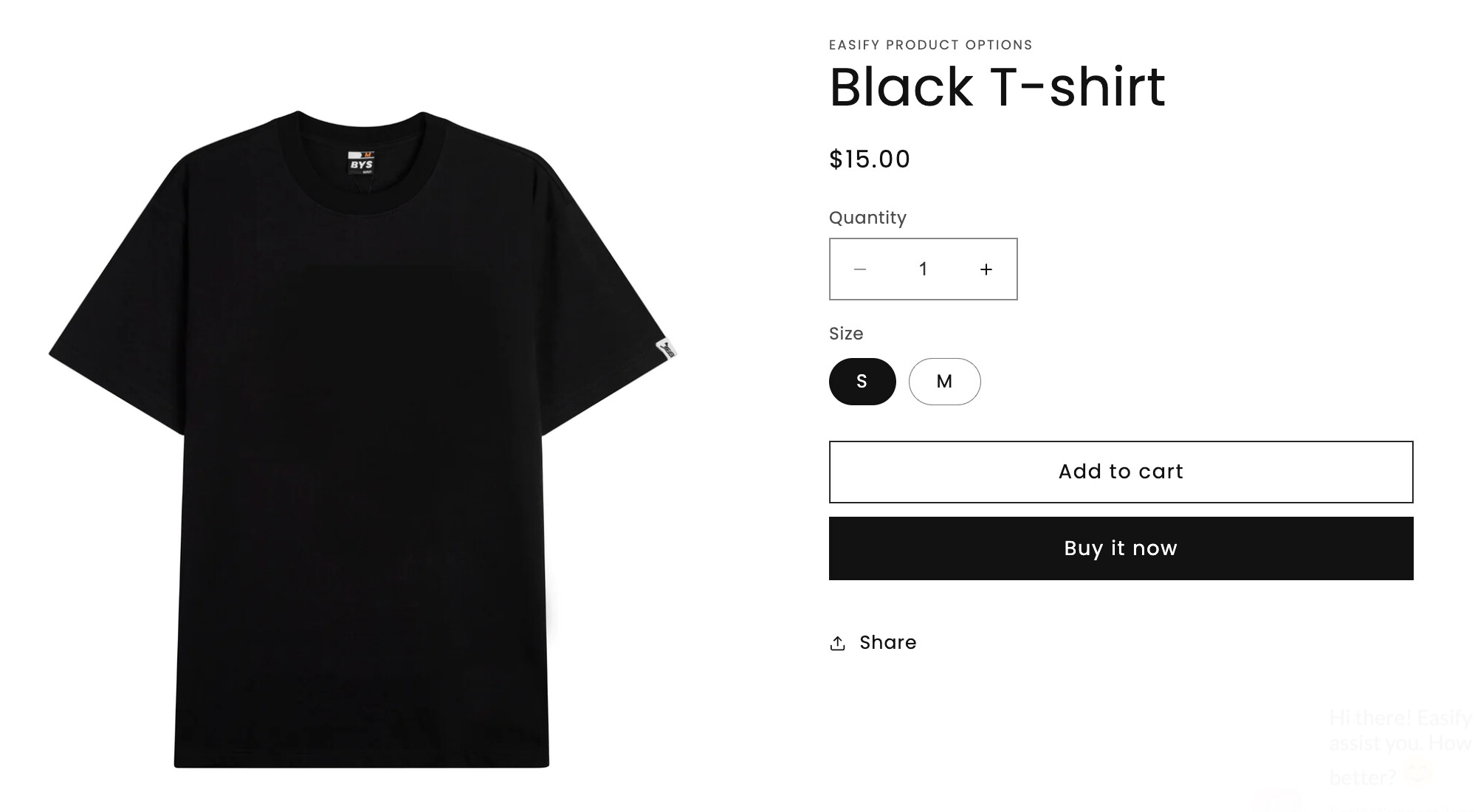
The shirt has variant options for color (red, white, black) and size (S, M, L, XL)
I create a product called T shirt and the associated variants
I can create a product page for T shirt and the customer then selects
A color (red, white, or black) and then
A size
I need this page, I do want the customer to have somewhere to go if they don’t know which color they want
But if the customer already knows they want a black T shirt, I want to have another product page for Black T shirt
On this page, the variant option color = black should be pre selected (and possibly not shown), and only size needs selected
The product info on the Black T shirt page is different than is on the T shirt page… the info is specific to Black T shirts
If I’m following correctly, you want a listing that has all the variant options, but once they select a specific color, each color will have their own description.
If I got this right, then imo the easiest way to have different descriptions is that each color is a separate product.
But then you’ll need a way to link those products together.
This video shows one possible way to link 3 different products together so that the colors look like variants, but when you click the color it actually takes you to a completely different product page: https://www.youtube.com/watch?v=AIufjwcEBMM
Don’t mind the title, the idea is that you can link multiple products together like variants.
To address this, utilizing an app is essential. Relying solely on default functions may lead to the creation of two distinct Black T-shirts - one as a separate product and the other as a variant of the main T-shirt product, complicating accurate inventory tracking.
Create your Black T-shirt as a standalone product, incorporating its size options. Treat other colors similarly, creating individual products for each, such as a Black T-shirt and a White T-shirt.
Create the T-shirt product without options or variants, and set its price to zero. Allow color and size options to be managed by the Easify Product Options app.
Install the app and generate a new option set.
Include the initial option for choosing T-shirt Color, utilizing either Image or Color Swatches option types. Enumerate your color choices, like Black and White.
Add the second option for selecting Size exclusively for customers opting for the Black T-shirt, using the Buttons option type. Establish links between each size and its corresponding Black T-shirt size variant. Activate conditional logic to display this Size option only if “Black” is selected in the preceding option.
As a result, your Black T-shirt maintains as an individual product while also serving as an option within the T-shirt product. This approach ensures seamless synchronization of inventory.
 :
: