How to mark a order as delivered?

Topic summary

Multiple Shopify merchants are unable to manually mark orders as “delivered” in their admin panel, despite Shopify’s documentation suggesting this feature exists.

Core Issue:

  • After fulfilling orders and adding tracking numbers, no option appears to change order status to “delivered”
  • Orders show conflicting statuses: some display “delivered” in one section while showing “in transit” in Order Summary and Shipping Labels windows
  • This particularly affects merchants using shipping providers not directly integrated with Shopify

Business Impact:

  • Prevents automated marketing workflows (e.g., sending feedback request emails 3 days after delivery)
  • Creates confusion for customers and shipping departments due to inconsistent status displays
  • Orders remain in incomplete states even after successful delivery

Current Status:
The issue remains unresolved with no official solution provided. Multiple users have confirmed experiencing the same problem, and one merchant noted it’s “mere cosmetic” but would still be a valuable feature for manual order management.

Summarized with AI on October 23. AI used: claude-sonnet-4-5-20250929.

Hello,

Edit: Don’t worry, I’ll send the auto marketing email when an order has been fulfilled.

I have physical products marked as my items, I can fulfill items and then the order becomes archived autmatically. But when I add a tracking number, there’s no way of me manually changing the order as “delivered”

Shopify FAQ: https://help.shopify.com/en/manual/orders/fulfillment/fulfilling-orders/fulfill-local-delivery/fulfill-local-delivery-admin, state I can mark is as “delivered” but I have no option to do so? With or without a tracking number added when fulfilling an order.

How can I mark an order as delivered?

Here’s a screenshot of one of my orders but there’s nothing on the screen to mark is as ‘delivered’
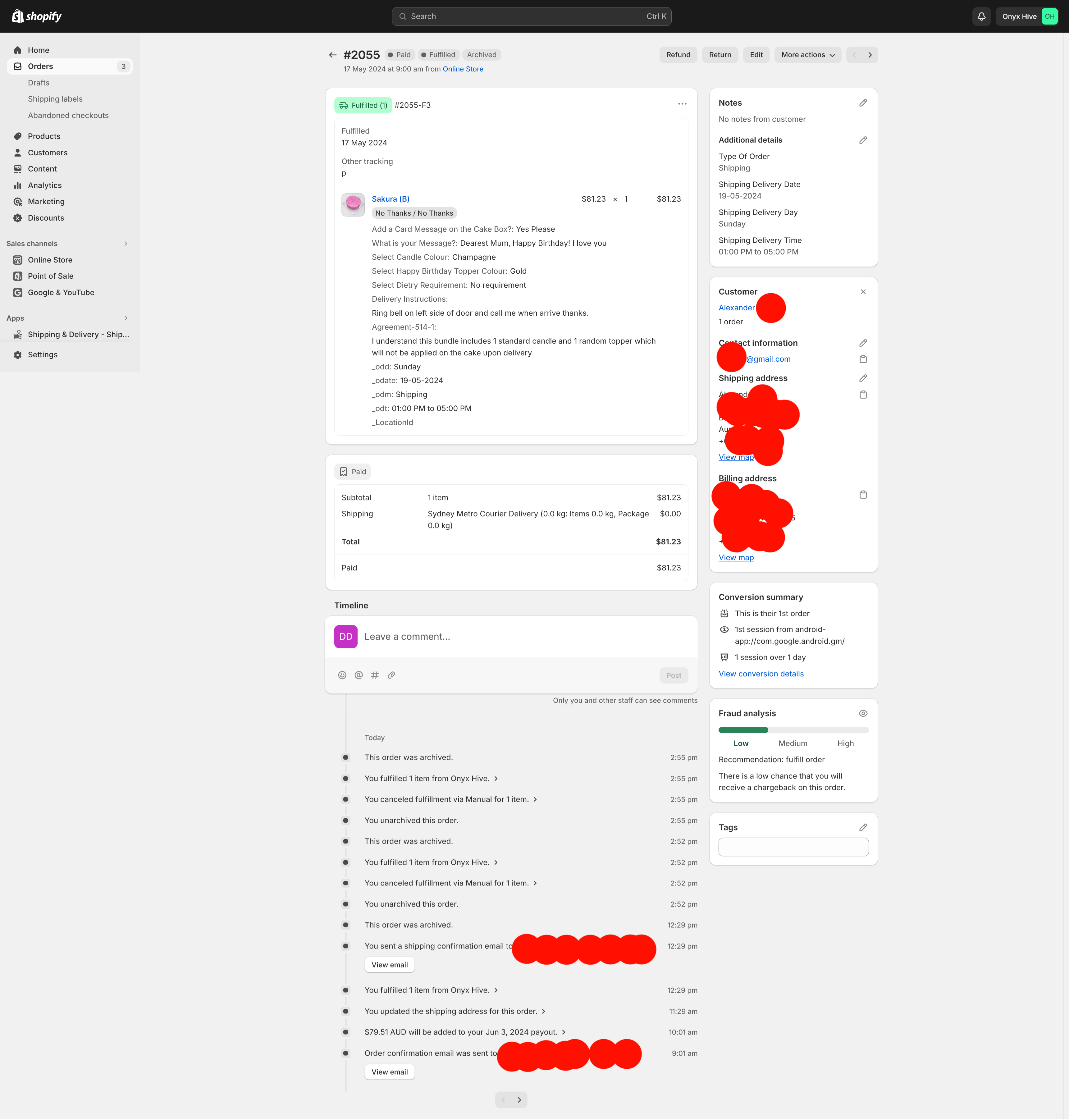
The reason why is that I want to send an automated email after 3 days when an order is ‘delivered’ for marketing feedback email comms.

Thanks

We have the same issue, and have been searching for an answer, with no responses.
In the Order screen, it has conflicting information:

But in the Order Summary & Shipping Labels windows, it shows “In Transit”:

kjconway_2-1726166735473.png

kjconway_4-1726166806760.png

This is very annoying to our Customers & Shipping Department.

We have the same issue, has anyone found a solution for this?

It is still a problem unfortunately when you use a shipping provider not linked with Shopify. Sometimes we have to do things manually and those orders never get the state ‘Delivered’ although they are delivered safely to the customer. I know it is mere cosmetic but nevertheless it would be a good feature to be able to mark an order ‘Delivered’ by hand….