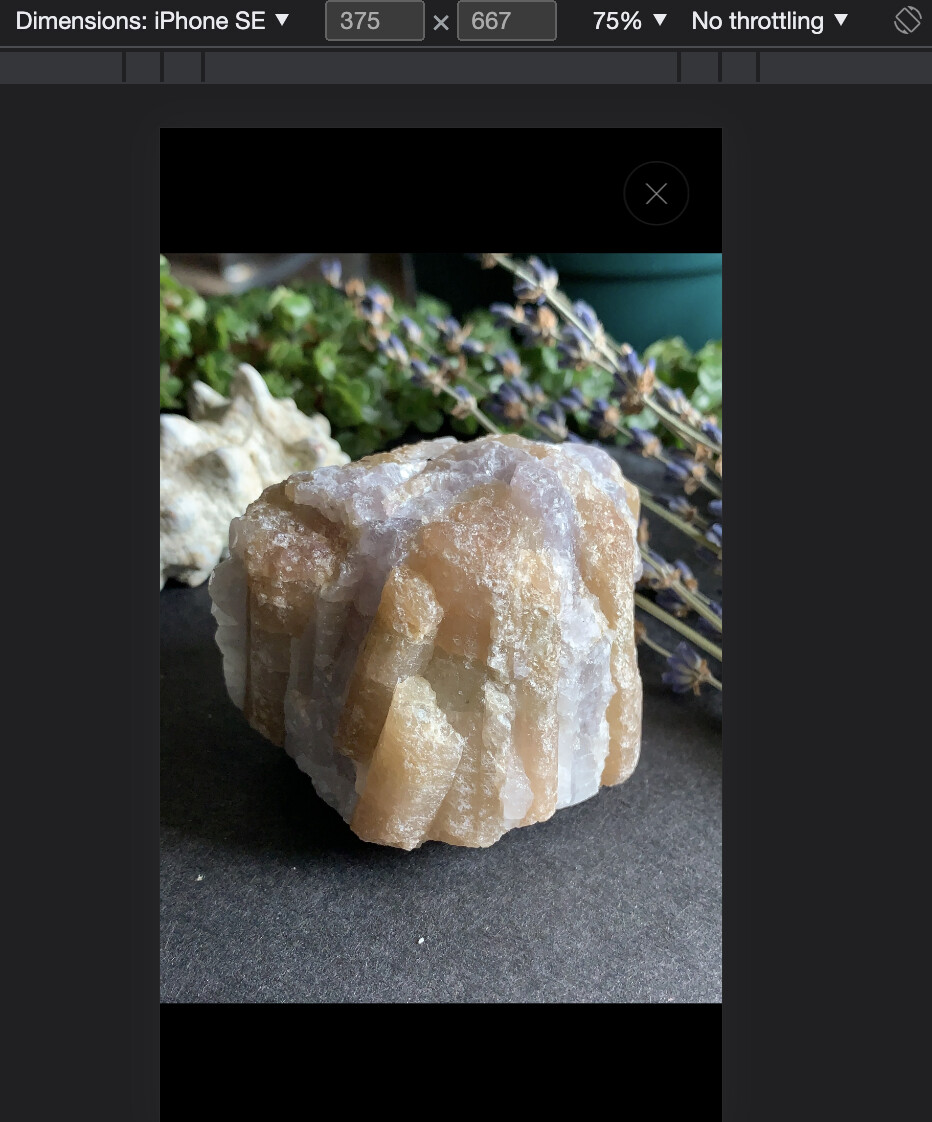
Hi, I need help with removing this black background when zooming in on my product photos in mobile view. It immediately redirects me to a black background on top of my product image when I click on the photo to zoom in. Below, is an example. I think it has to deal with the code for the padding. Not too sure. Any help would be appreciated!
Store url: https://lua-wolves-crystals.myshopify.com/
password: bahcri
1 Like
Hi @Popcorn ,
Go to edit code > assets > base.css and find this element:
.product-media-modal__dialog .global-media-settings {
    padding-top: 100vh!important;
}
Replace it with:
.product-media-modal__dialog .global-media-settings {
    padding-top: 0;
    width: 100%;
}
Here is the result:
Thanks for helping. If I replace the other code, it messes up my video product format. I’m looking for a code that zooms into my product photo when i click on it, not zoomed in on a black border on top of my image. Right now, my product photo already zooms in when you click on it, but it has this black part on top of my photo that I’m trying to get rid of. Hope that makes sense.
Hi @Popcorn , then find this element:
.product-media-modal__dialog .global-media-settings {
padding-top: 100vh!important;
}
And replace it with:
.product-media-modal__dialog .global-media-settings {
    padding-top: 0;
}
Hi, I actually need the original code to fix my product videos. Thats the code someone gave to fix an issue I had with my video. If I replace the code with yours, the issue with the video comes back. But it did fix my product photo issue. But I’m looking for a code to fix both solutions. Or where your code doesn’t affect the original code.