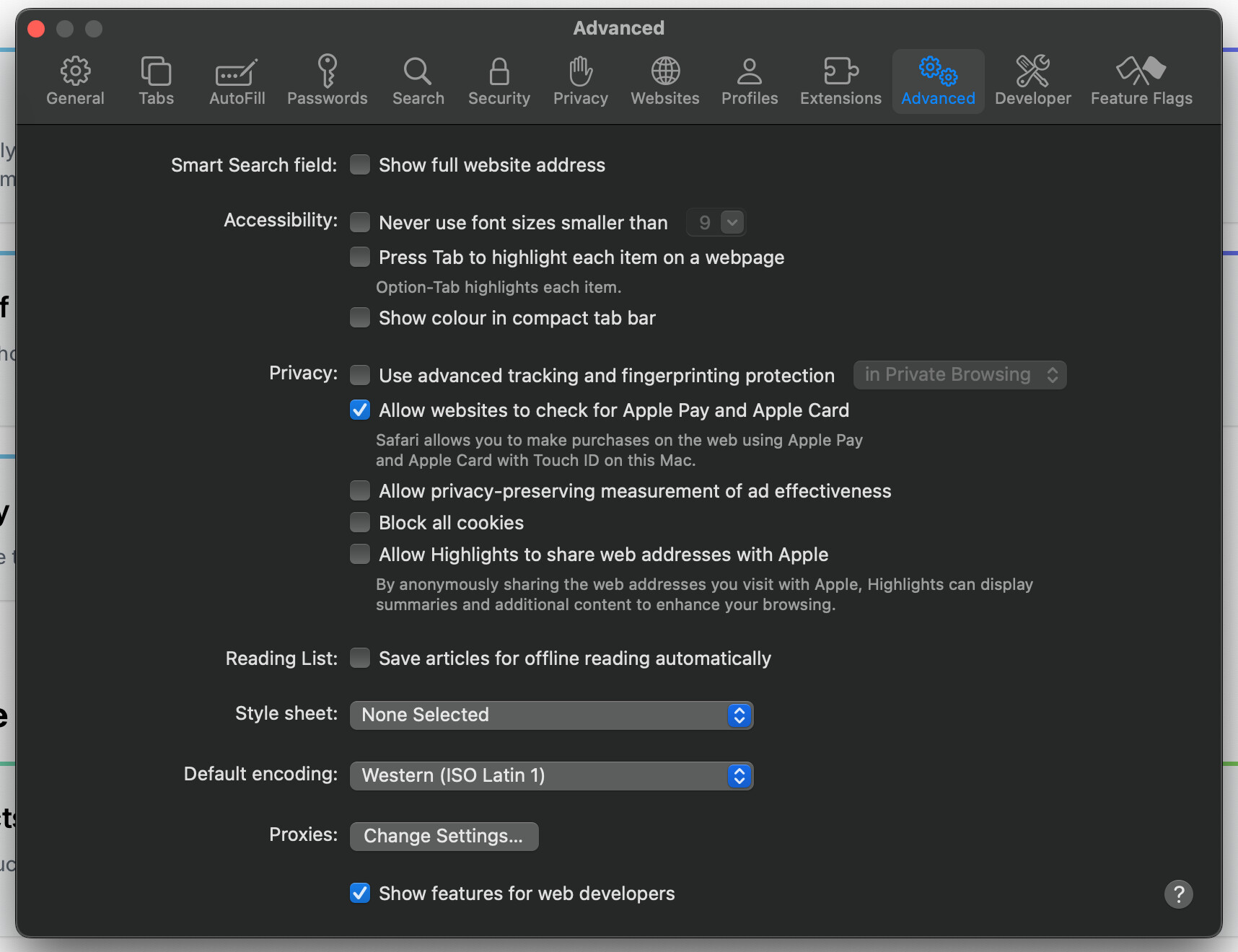
Safari Version 18.0 (20619.1.26.31.6) suck in the allow cookies loop

Topic summary

Safari Version 18.0 (20619.1.26.31.6) is causing an infinite loop when attempting to allow third-party cookies in Shopify’s theme editor, preventing users from accessing the editor.

Key Issues:

  • The browser repeatedly prompts users to enable cookies despite settings already being configured correctly
  • Users are experiencing constant logging in/out issues, particularly when using Safari’s developer tools
  • This appears to be a recurring problem that previously occurred in 2020

Workarounds Mentioned:

  • Disabling Safari developer tools may resolve the logging out issue
  • Using Safari Technology Preview instead of the full Safari version can bypass the cookie loop problem

Current Status:

  • One user reported the issue resolved itself after trying again the following day, though no actual Safari update was released
  • The root cause appears to involve both Apple and Shopify, with users calling for an urgent fix as many store owners rely on Safari for theme editing
Summarized with AI on November 5. AI used: claude-sonnet-4-5-20250929.

Hey guys,

I just updated my MacOS to the lates version and now Safari Version 18.0 (20619.1.26.31.6) is stuck on the infinite loop of allow 3rd party cookies on the theme editor.

Chatting to support, they are completely useless, keep telling me to turn off prevent corss browser and block all cookies, even when i have already shared screenshots showing those settings are off.

1 Like

Same for me, and I can’t find any solutions…

Well, also in the same predicament, hopefully a solution or update emerge soon…

Yup same here. It’s infuriating! Assuming this is more on Apple’s side of the equation but Shopify gonna need to figure out a solution because a lot of store owners are going to be using Safari browser. Furthermore it is logging me in and out constantly too when I do code changes in the theme editor etc.

If you search a bit, this was an issue back in 2020 too, it got resolved I don’t know how, but after this new update it looks like it’s back.

With the constant logging out, that is another issue, but definitely on the Apple side of things, I have this issue too and it has something to do with the developer tools on safari, if you disable developer tools under settings it will stop logging you out, that’s been happening for quite some time.

The other option to get past the logging out thing is using Safari Technologi Preview. It’s annoying AF and hard to understand why Apple is not implementing this fix for the full version Safari… they definitely know a way to fix it (they did it for the technology preview browser).

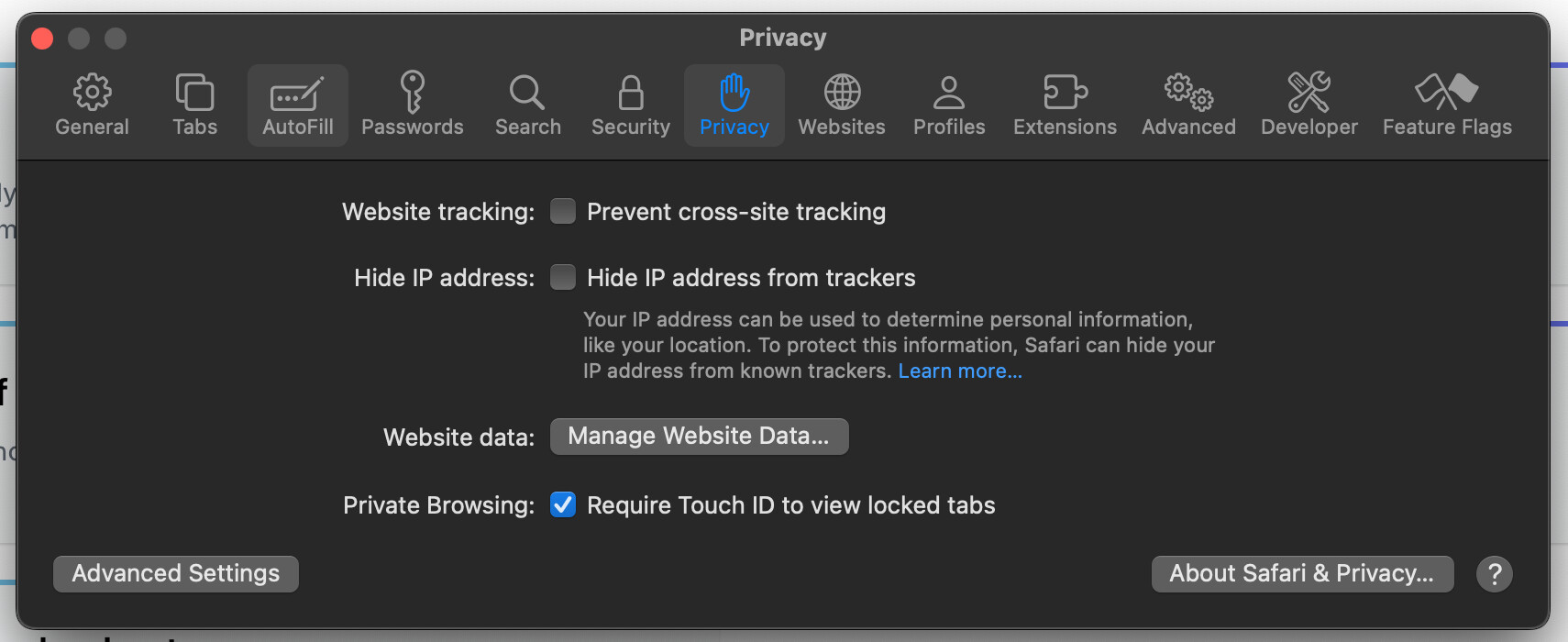
But yes the cookie thing NEEDS to be fixed ASAP.

For the record, I tried again yesterday and it now seems to work fine even though it seems no actual update were made to safari.