Hi I would be very grateful is anyone could take a look at my store and provide any feedback, please
I’m Garcia - a CRO expert at PageFly. As your friendly neighborhood CRO expert, I’m here to share some quick tips that can make a big difference in your conversion rates. Let’s dive into some areas where you can optimize your store for a smoother customer journey.
GENERAL
- Sticky Header: Make your navigation bar stick to the top of the screen as users scroll. This ensures easy access to important sections of your store, keeping visitors engaged.
- Favicon Power: Don’t underestimate the favicon! It’s that tiny icon displayed next to your store name in the browser tab. Adding a unique and memorable favicon helps with brand recognition.

- Button Magic: Boost user interaction by adding hover states to your buttons. A subtle change in color or animation on hover can grab attention and encourage clicks.

HOMEPAGE
- Light Header: Consider using a white overlay background. This can improve readability and showcase your beautiful hero image. Here’s a color suggestion that might work well: #ffffff7a (white with 70% opacity).

- Mobile Responsiveness: Mobile optimization is crucial! Double-check your layout on all devices to ensure a seamless user experience. Every section should have a responsive design that adapts to different screen sizes.

PRODUCT PAGE
- Image is Worth a Thousand Words: Instead of lengthy product descriptions, utilize compelling images with text overlays to highlight your product’s unique selling points (USPs). This grabs attention and effectively communicates your product’s value.

- The Power of Reviews: Build trust and social proof by adding a customer review section. This allows customers to share their experiences and encourages others to leave feedback, fostering a sense of community around your brand.
Remember, these are just a few suggestions to get you started! Feel free to experiment with PageFly’s intuitive features and explore countless customization options to create a store that converts like a dream.
If you have any questions or specific areas you’d like feedback on, feel free to reach out to me.
Cheers,
Garcia
Hi [email removed]BlueElephant,
Thanks for reaching out to the community. This is MooseDesk - All-in-one Customer Support and Helpdesk Solution for your Start-up
Congratulations on your new store! I can see it is well-designed and has quite enough of essential details. While it’s already great, I do have some suggestions to help make it even better. Here are a few of my recommendations for a better customer experience, if you don’t mind taking a look.
1. Add a favicon logo
A favicon helps your visitors easily identify your website among the many tabs they might have open in their browser, thus improving user experience. Besides, it can act as a tiny billboard for your brand 

2. Freeze the header
When users scroll down a long webpage, a sticky header keeps the navigation bar in view at all times. Therefore, it is easier for your customers to jump back and forth, keeping them stay longer on your site.

3. Add Customer support section
Last but not least, don’t overlook the importance of customer support for your new online store. It’s essential for ensuring a positive shopping experience!
I suggest exploring MooseDesk, a free support, FAQ & Helpdesk App. MooseDesk provides auto-reply features during non-business hours, a proactive help center, and a user-friendly widget layout, offering an effective solution to enhance customer support on your platform.
- You can add a widget that contain FAQ like this with MooseDesk:

- Or you can easily create and customize FAQ/Contact Us page within 5 minutes with appealing templates:

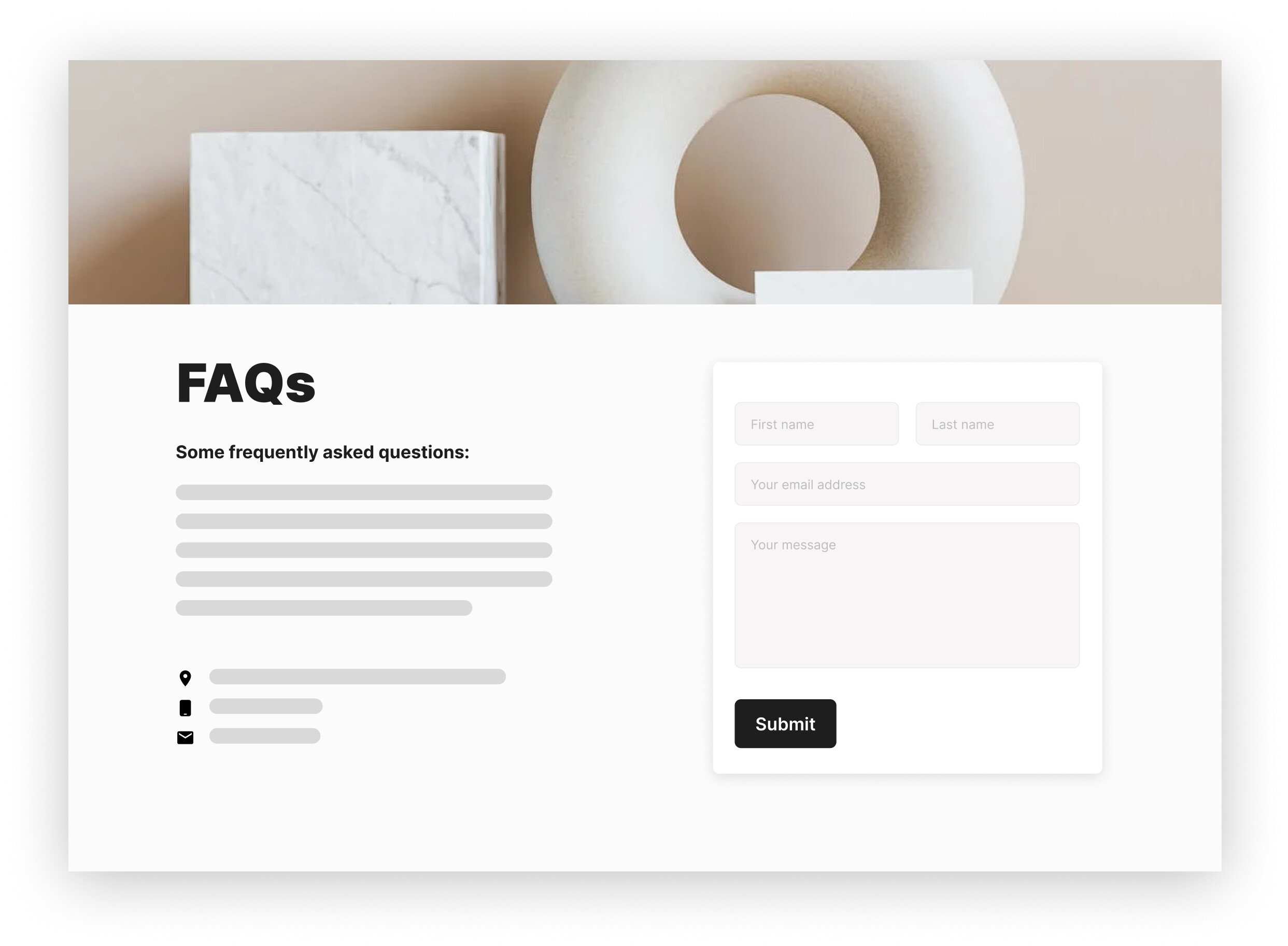
So those are some of my suggestions for your store as a UX expert. If this is helpful for you, please let me know by giving me a ‘LIKE’. If your question is answered please mark this as 'SOLUTION’.
—
As an expert/enthusiast in UX, I recommend implementing these changes to improve customer experience when scrolling through your store.
If this is helpful for you, please let me know by giving me a ‘LIKE’. If your question is answered please mark this as 'SOLUTION’.
Thank you for reading. Wish you a nice day ahead!
MooseDesk - All-in-one Shopify FAQ & Helpdesk App
Thank you great advice 
Hi, @BlueElephant
This area of the homepage is blocked, it would be better if we can see the products underneath.

I use “pagespeed.web” test your website, your website’s speed performance is good overall, though mobile speed could be improved. We suggest optimizing the AMP functionality and ensuring proper image compression and backlink management. Additionally, conduct a thorough review of meta tags and keyword optimization.


We recommend utilizing Shopify’s SEO tools for a comprehensive website audit to identify further optimization opportunities.
Consider using SEOAnt for a detailed website analysis, including backlink management, fixing broken links, optimizing image compression, and enhancing keyword SEO.
Use the discount code “boost sales” to enjoy a 40% discount on SEOAnt services.


Thank you so much
##- Please type your reply above this line
Thank you so much for feedback
My pleasure! Hope the suggestion is helpful for you.