Hello! Is it possible to show more than 12 products of a collection on the page? (I don’t want to enable the “View all”, I want all the products to be displayed in the shop).
Is it possible?
The shop is https://suzanneraffelliniglassartist.com/pages/shop2
THANK YOU!
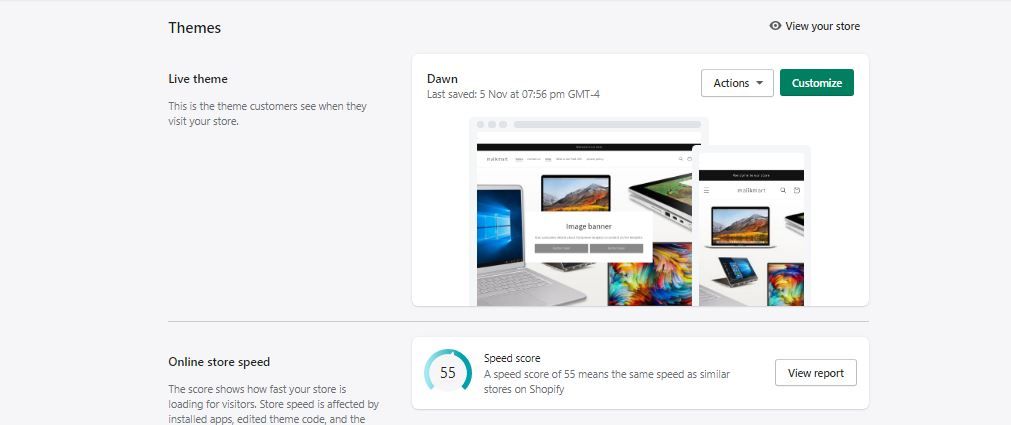
Yup that should be possible. what theme are you using ?
Go to default collection template under collections in theme custom editor.
Next in the left side bar select product grid
here update the value of products per page
I am so sorry, but I don’t understand how to get here: “Go to default collection template under collections in theme custom editor”.
Could you guide me where to find this?
hi please follow this in theme customization go to collection page follow steps highlighted with arrows in images @MartaSantacana
Hi, I’m trying to do the same (Dawn theme) but I can’t see the right side of the Product grid.
Any other way to solve this issue (see all products on the Home page and not only 12) ?
Thanks in advance!