Alternative CSS Method: Add similar CSS code to the section-main-product.css file in the assets folder.
Theme Customizer Approach: Navigate to Online Store → Themes → Customize, select the default product, then manually add and position the description block from the left sidebar.
The issue appears to stem from the description element being hidden via CSS. The user confirmed the first solution worked. A follow-up question was asked about locating the </body> tag in theme.liquid, but remains unanswered.
Summarized with AI on October 29.
AI used: claude-sonnet-4-5-20250929.
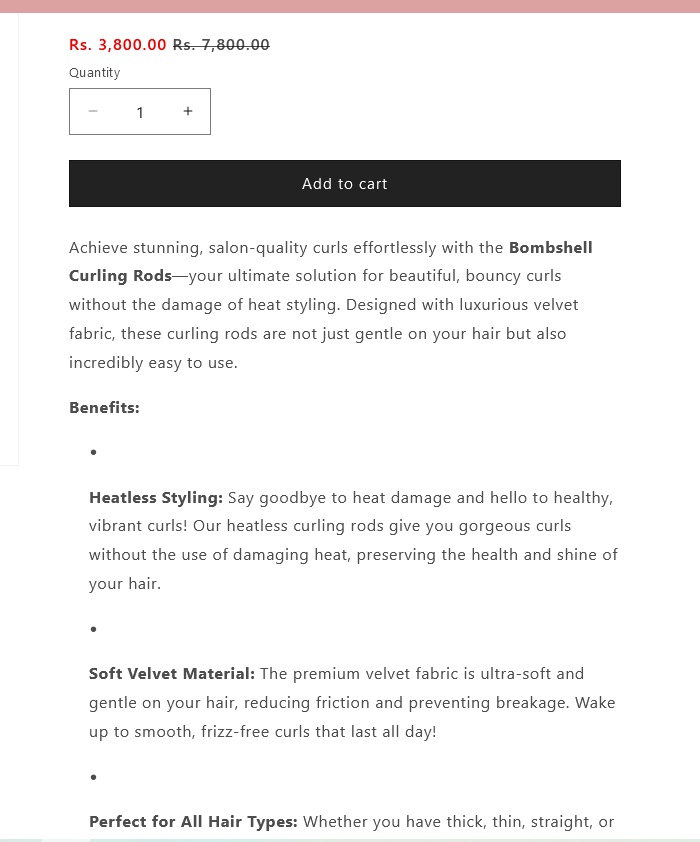
Hey, for some reason my product descriptions are not appearing on my product pages even though I have added the “Description” and enabled it from theme customization. Is there a way to fix this? Thanks!
Go to Online Store → Themes → Customize. Then select the default product, and on the left side of the screen, add a block, select the description, and drag and drop it to the desired position.