Hi [email removed]PacificBlue,
Thanks for reaching out to the community. This is MooseDesk - All-in-one Customer Support and Helpdesk Solution for your Start-up
Congratulations on your new store! It is well-designed and has quite enough essential details. While it’s already great, I do have some suggestions to help make it even better. Here are a few of my recommendations for a better customer experience, please take a look.
1. Optimize the header
- Merge two header sections
I can see that there are 2 header sections on your website. But these two can be confusing for users and difficult to display on small screens like smartphones.
Therefore, I suggest combining these two by moving the navigation menu to the right of the logo and moving the search bar to the rightest corner
After merging them, it’s time to freeze the header. A sticky header makes it easier for users to find what they’re looking for and avoid having to scroll back to the top each time they want to navigate to a different website section.
2. Revamp the product listing page
Some products are listed not in line with each other, which can make the whole website look messy and unprofessional
3. Add more images to the product page
High-quality, informative product photos can keep users on the product page longer as they explore different views. This can potentially boost sales for your store.
3 types of product images that should always be included for most products:
- Images that show products “In Scale”
- Images that highlight a product’s features: Feature Callout images (highlight specific components/characteristics of a product that users will find valuable; use cases)
- 3-5 Images that show products from at least a few different angles
This is a great example:
4. Add a customer support section
Don’t overlook the importance of customer support for your new online store. Being available whenever customers need you the most can help drive more conversion to your store. You can consider adding these sections to your website:
- Contact Us page: Contact Us page is a page containing your store’s contact information: Phone number, address, contact email, … In some cases, the contact page also has a contact form to receive queries from customers.

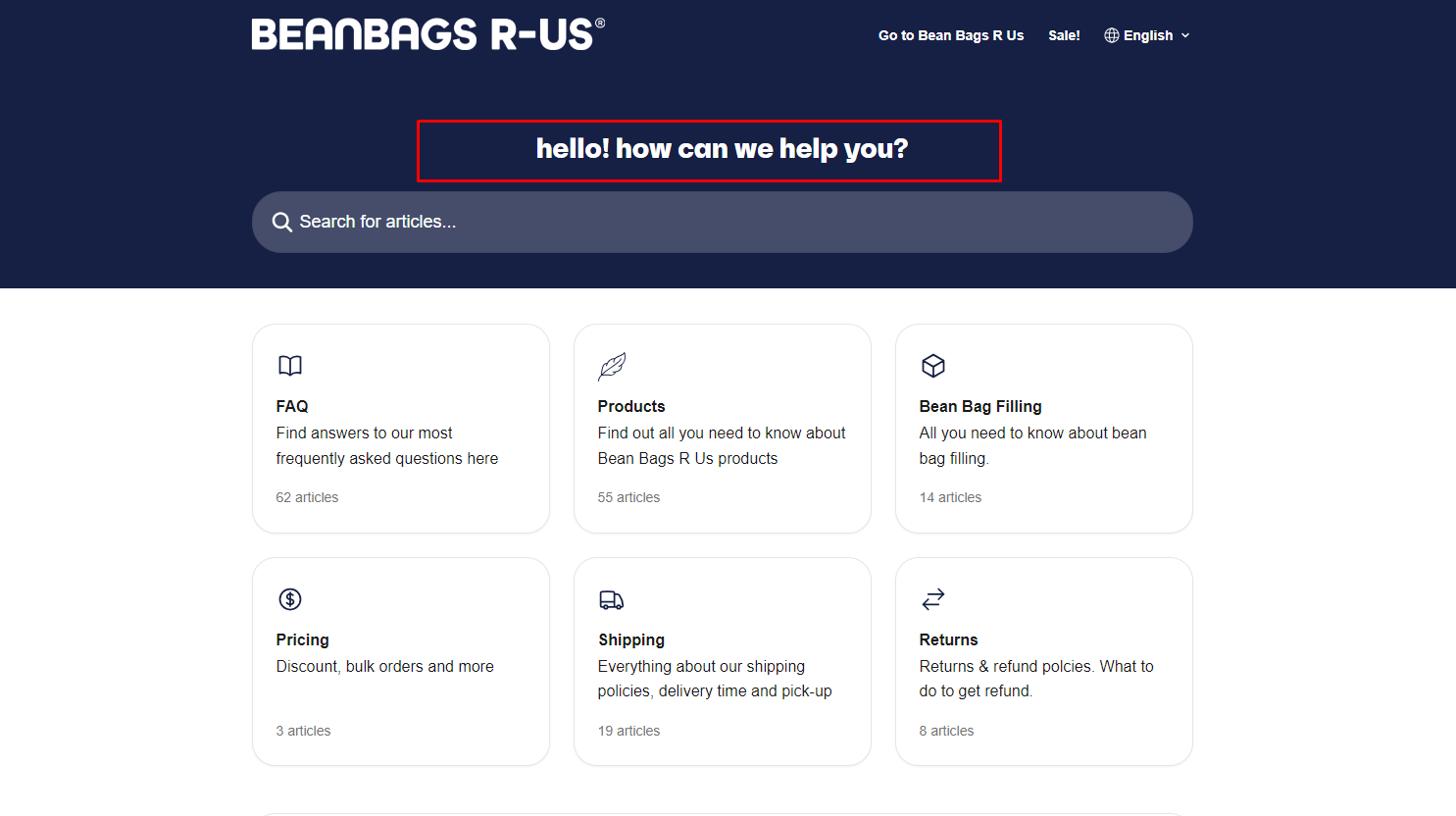
- FAQ page: FAQ page is a page containing multiple answers to frequently asked questions of customers.

- Live chat support: This is a widget that pops up on your website, allowing visitors to ask questions and get assistance directly from your team in real time.
For all of these sections, I suggest exploring MooseDesk, a free support, FAQ & Helpdesk App. MooseDesk provides auto-reply features during non-business hours, a proactive help center, and a user-friendly widget layout, offering an effective solution to enhance customer support on your platform.
—
As an expert/enthusiast in UX, I recommend implementing these changes to improve customer experience when scrolling through your store.
If this is helpful for you, please let me know by giving me a ‘LIKE’. If your question is answered please mark this as 'SOLUTION’.
Thank you for reading. Wish you a nice day ahead!
MooseDesk - All-in-one Shopify FAQ & Helpdesk App