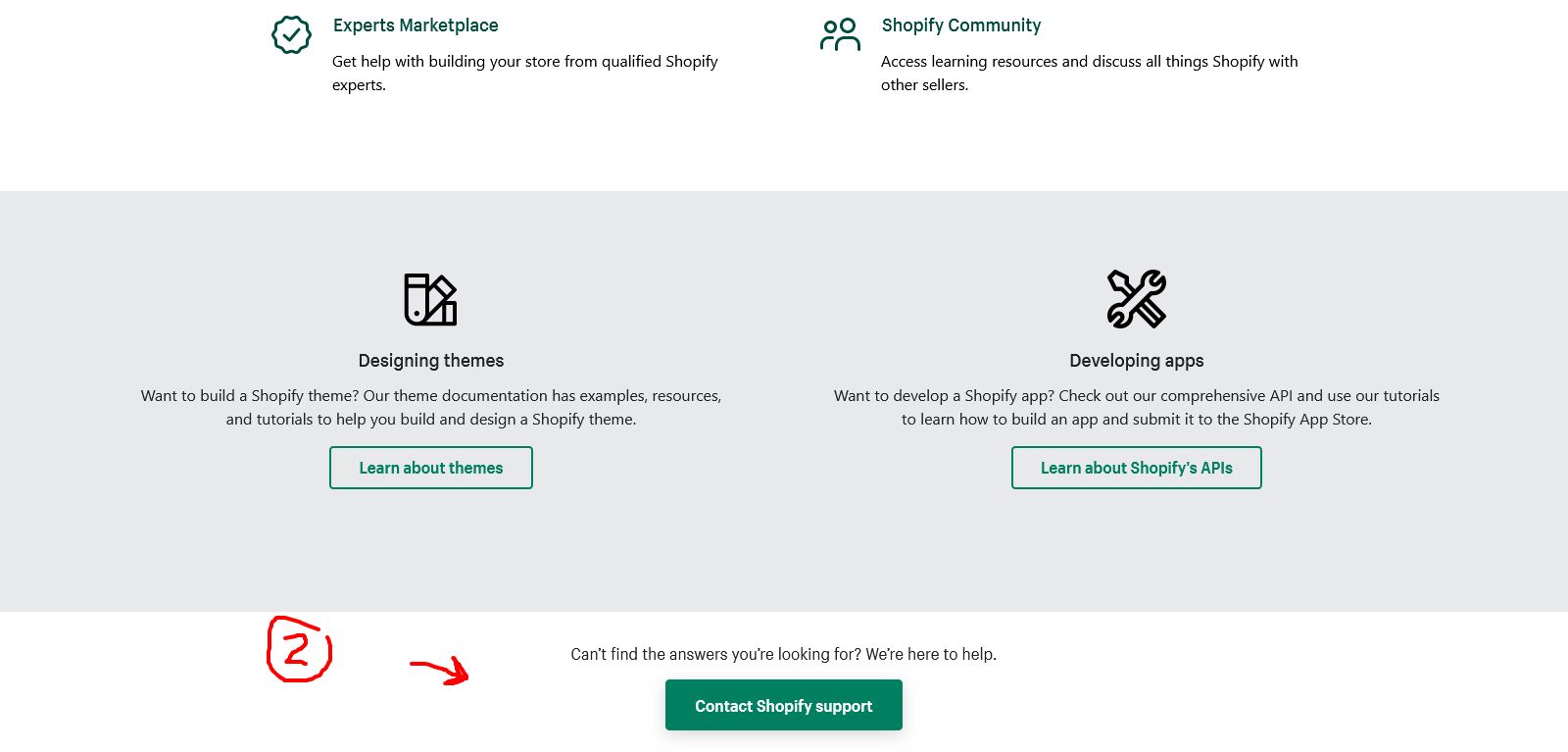
It says my payment account is on hold, I click the notification and it takes me to the help pages. No direction on how to fix or solve this issue and no way to contact customer support through email, phone, or chat.
How can I alleviate the ‘PAYMENT ACCOUNT IS ON HOLD’ issue?!?
Can you let me know what happens now if you enter your topic when prompted there on the help centre and scroll down the screen to see your options to get support?
Wow they are doing the same thing to me right now. I have never had a customer complaint or charge back in the 2 years my store has been using this service. They cut me off and are holding $7000 of my money and no one cares! Sounds like the banking partners are actually running the show…shame
There are notifications sent every week and it says “Your store can’t accept new orders with Shopify Payments. Contact Shopify Support for next steps.”
When I click the notification, it take me to the Shopify Help Center with no direction on next steps on how to fix this.
If you need account support via our Help Centre here I would advise you to first enter the topic you need help with when prompted, before scrolling down the screen to see your options for proceeding to get support.
Let me know if you’re not able to see the option to proceed to get support, so we can help out!
It keeps saying this " Your shopify payments account is on hold
Your store can’t accept new orders with Shopify Payments. Contact Shopify Support for next steps."
Can you let me know what happens currently when you access that link, enter the topic you need help with, and proceed down the screen to see your option to get support?
I’m letting you know the problem that I am having and unsure where to go.
As outlined above, ‘it takes me to the Shopify Help Center with no direction on next steps on how to fix this.’
I do not know the topic or discussion I need to navigate to, to fix the problem. I am hoping you can guide me there?
My problem: I get a notification that says " Your shopify payments account is on hold. Your store can’t accept new orders with Shopify Payments. Contact Shopify Support for next steps." I click on the link and it takes me to support.shopify.com
My Question: You keep referring me to select my topic and they almost all go with the problem I am having, some direction would be helpful. Do I go to ‘Starting a store’, ‘Account’, ‘Store management’, ‘Online Store’, ‘Sales channels’, ‘Money’? (All of these topics can relate to the problem I am having)
The notification literally says to contact Shopify support and when I do here…you give me a link and tell me to basically figure it out.
I appreciate you going above and beyond to record your screen. I have done the steps you showed and it takes me back to the first page (going in circles).
Here is the process:
Click ‘Explore the Shopify Help Center’
Click ‘Contact Shopify support’
Click my active store (screen says ‘What do you need help with’)
I’d also check to ensure you’re using a supported browser (like Chrome, Safari, etc) and that it’s fully updated as older versions may not work for use with Shopify.
Let me know how you get on with that step, please!
That first link provided worked and I was able to chat with a team member who is looking into the issue. Thank you for helping out and making sure we tried different solutions to figure it out.
If other people receive the same error in the notifications, I would bring this issue up to the UX team because it says to contact support and gave a link but there was no easy way to find how to contact support from and pretty frustrating.